Uniform potential flow
This tutorial computes incompressible potential flow through a 4 × 1 m rectangle with a uniform stream entering it. With no body in the flow, the exact velocity is the free stream everywhere, so the case checks that the far-field condition is applied correctly and that the solver reproduces it. You will build the rectangle from the case's CAD recipe, name its face and edges, and run the Potential Flow problemtype.
At a glance
| Mesh | 150 nodes, 248 cells |
| Run | 1 frame, end time 1 |
| Kratos packages | KratosCompressiblePotentialFlowApplication==10.4.3 |
| Download | potential-flow case with its verification record |
What you will learn
- Why the velocity potential is a convenient unknown for irrotational flow, and how its gradient gives the velocity.
- How a far-field condition sets a free stream from a Mach number and a speed of sound.
- Why this case needs no material, and what the velocity check measures.
The physical model
For irrotational flow the velocity is the gradient of a scalar potential, u = ∇φ. For an incompressible fluid, conservation of mass gives ∇·u = 0, so the potential obeys Laplace's equation, ∇²φ = 0. The solver's unknown is VELOCITY_POTENTIAL, and the velocity is its gradient.
The equation contains neither density nor viscosity, which is why the Materials card stays empty.
The far-field condition imposes the free stream on the outer boundary. This case sets an angle of attack of 0 rad, a Mach number of 0.03 and a speed of sound of 340 m/s. The free stream is their product, 0.03 × 340 m/s = 10.2 m/s, along +x. At this Mach number compressibility is negligible, so the incompressible formulation fits.
With no body in the rectangle, the exact potential is φ = 10.2 x plus a constant, and its gradient is [10.2, 0] m/s everywhere. The constant is arbitrary, so the check works on the gradient.
Create the geometry
The geometry is one CAD operation on the blank model cad/examples/BREP/blank.brep: a Rectangle profile with centre (2000, 500, 0) mm, normal (0, 0, 1), up (1, 0, 0), width 4000 mm and height 1000 mm. In the XY plane that runs from the origin to (4000, 1000) mm, a 4 m by 1 m rectangle. The downloaded case includes rectangle.brep, whose sidecar stores the same operation and the Parts.
- Open
blank.brepwith File ▸ Open… in Pre-Processing. - Choose the Rectangle operation, enter the values above and click Sketch.
- Check that the result is one planar face. The mesh is two-dimensional, so the geometry must be a face, not a solid.
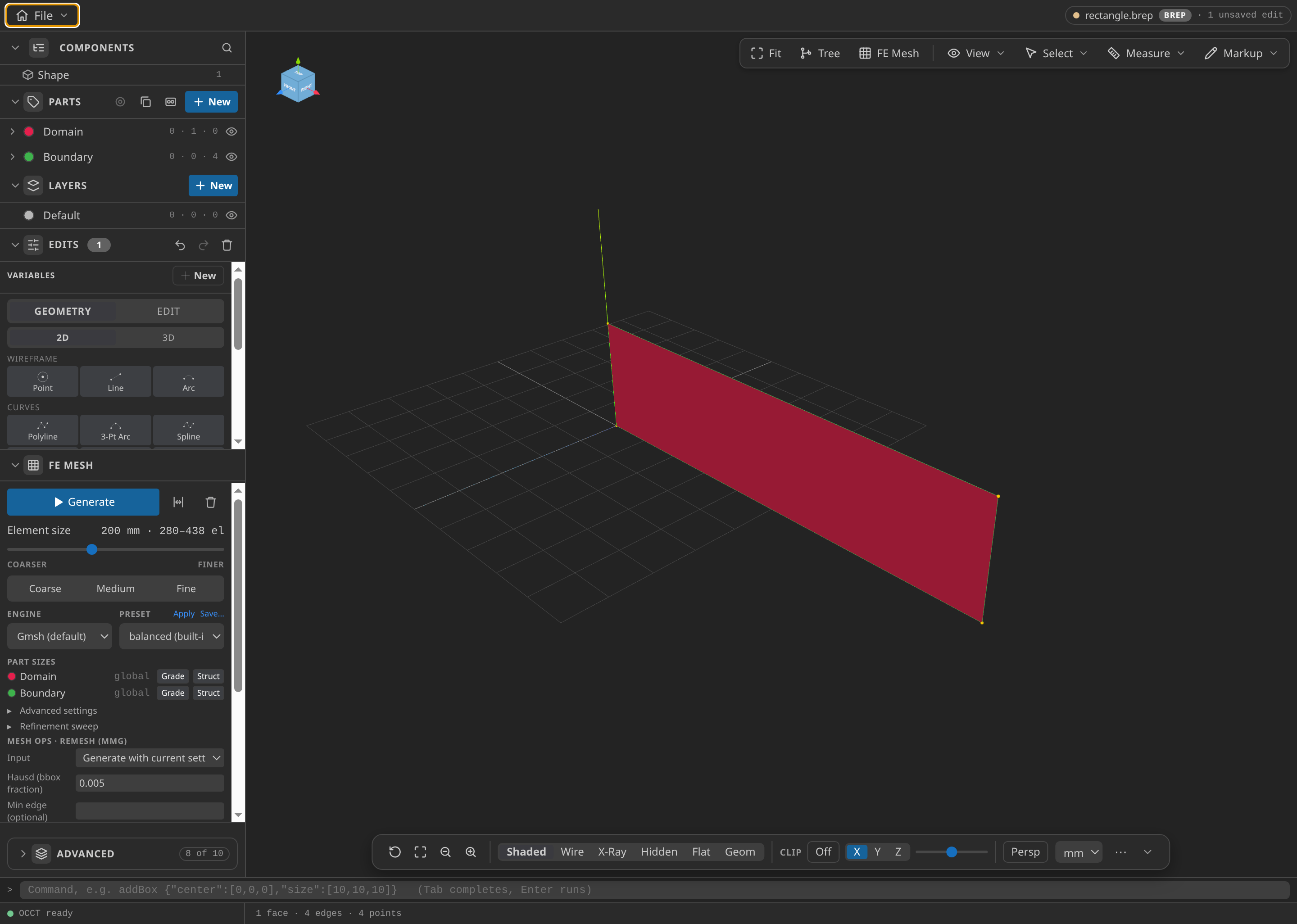
The rectangle as loaded in Pre-Processing.
Name the Parts
- Domain: the face
face-0, the fluid region. - Boundary: the four edges
edge-0,edge-1,edge-2andedge-3, the outer boundary.
Boundary must hold all four edges, because the far-field condition acts on the whole outer boundary. A missing edge would leave part of the boundary without the free stream, and the check would show the error.
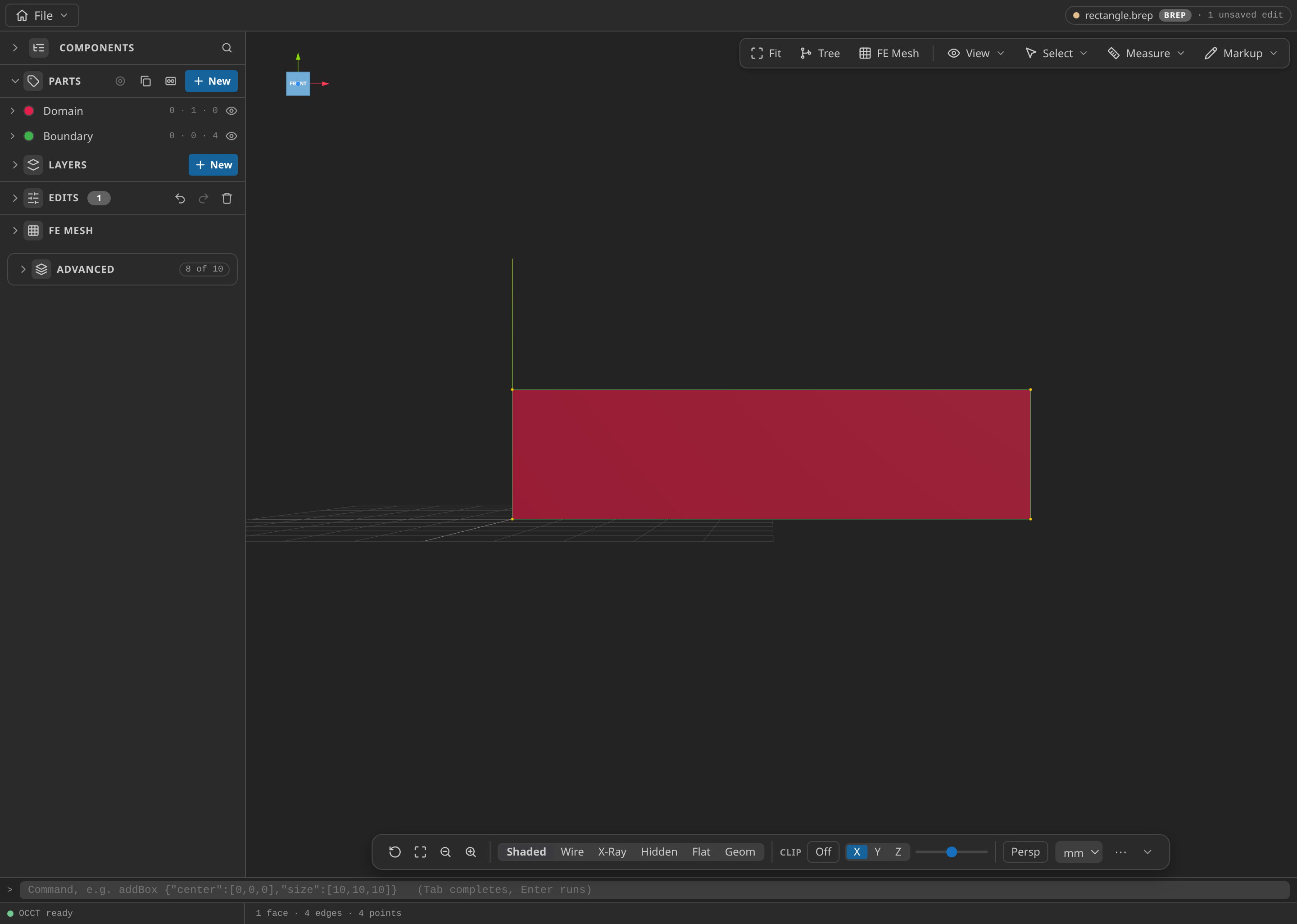
The CAD window with the Parts panel open, showing the named Parts: Domain and Boundary.
Mesh
In FE Mesh, set Dimension to 2D, Element order to first order, Element shape to simplex, and Size min and Size max to 200 mm. Click Generate. Set Export format to Kratos MDPA — Elements + Conditions (.mdpa), set Export unit to m, and export mesh.mdpa.
At 200 mm (0.2 m) the mesh has 150 nodes and 248 triangles. Linear triangles represent a linear potential exactly, so a coarse mesh is enough.
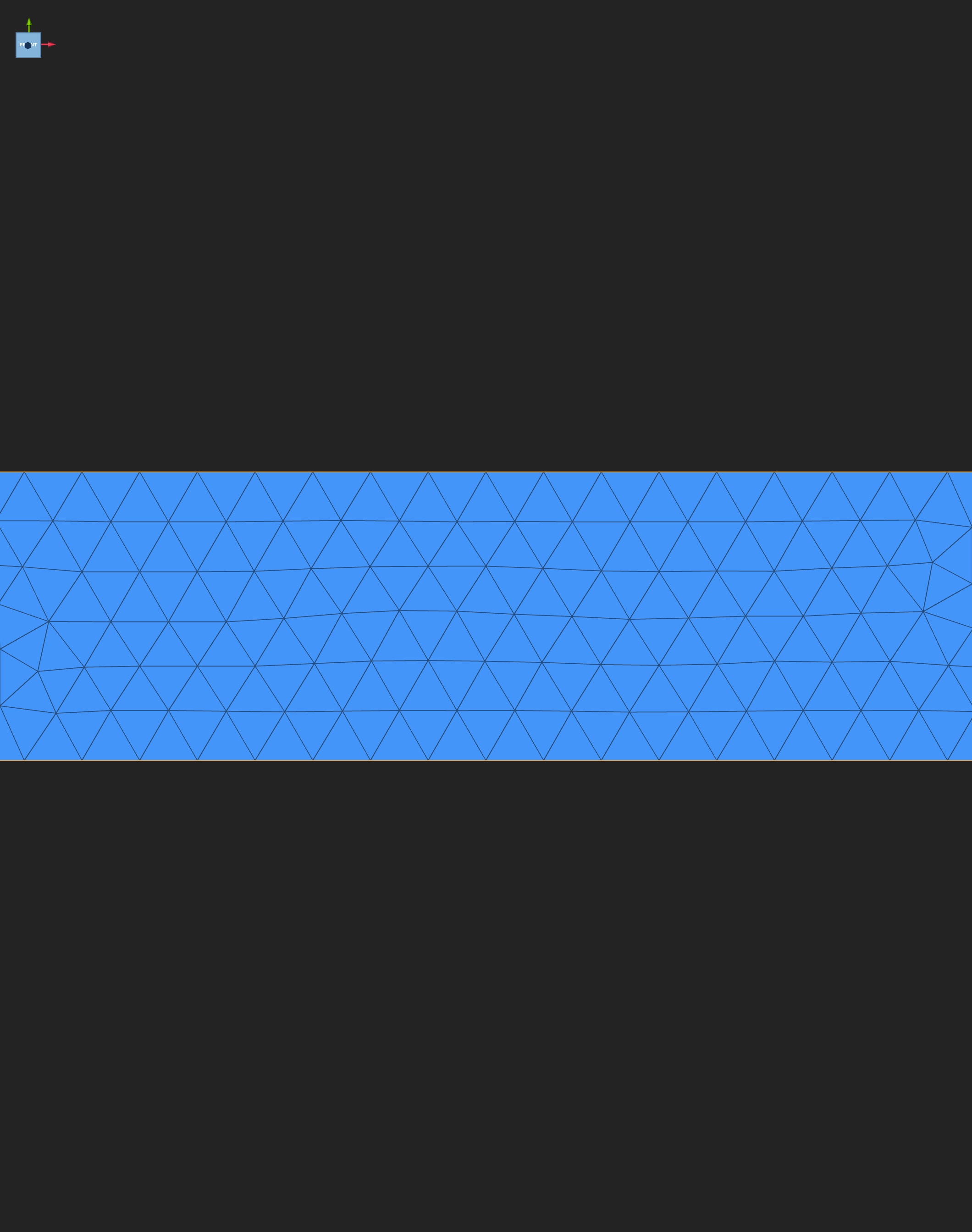
The exported mesh, opened in Post-Processing.
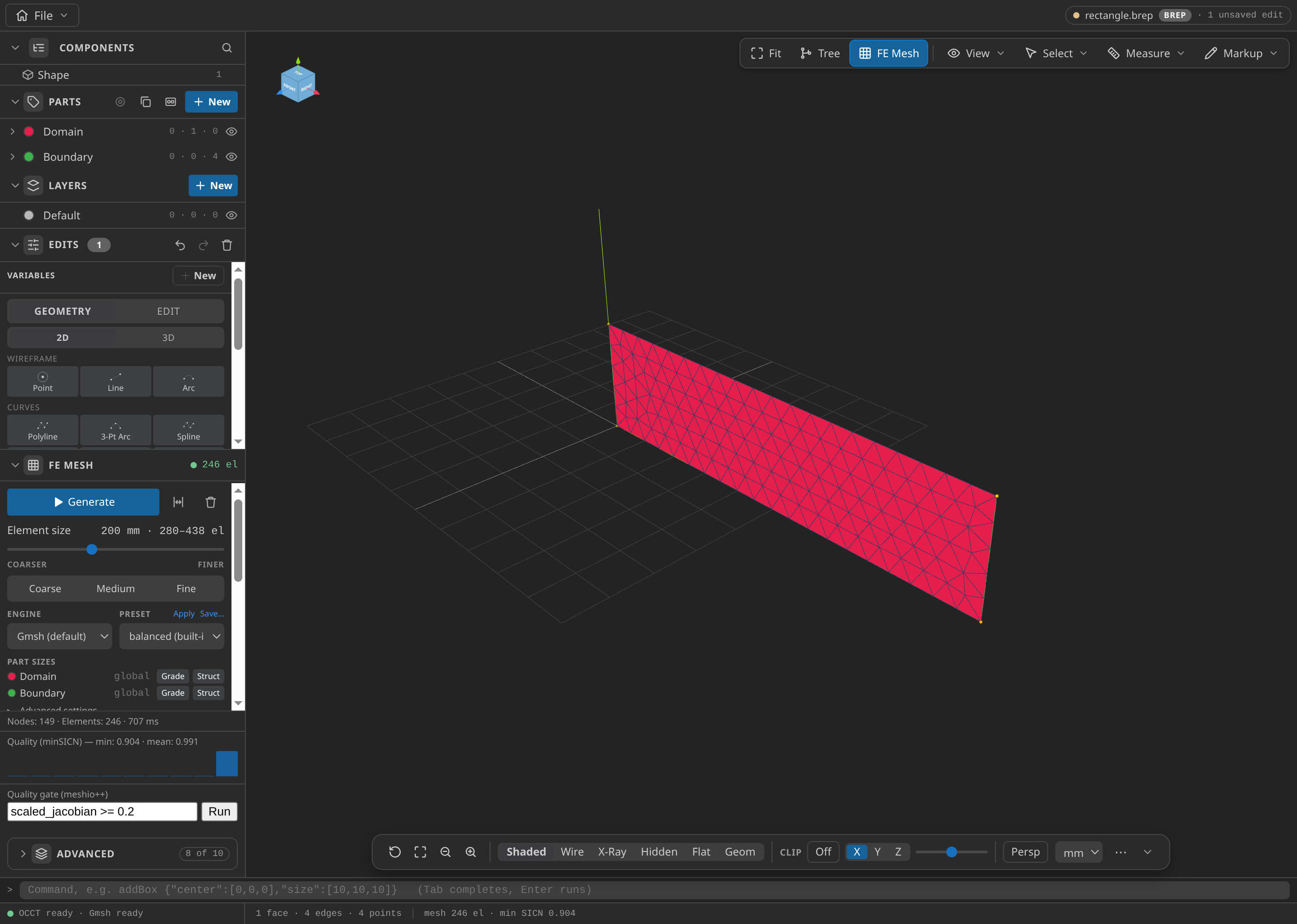
The CAD window after FE Mesh ▸ Generate: 149 nodes and 246 elements in this run, with the Parts panel open.
Configure the problemtype
Open mesh.mdpa in Post-Processing and select Potential Flow:
- Problem data, Formulation: Incompressible.
- Problem data, Echo level: 1, the value the record used. It is an advanced field.
- Fluid domain on Domain.
- Far field on Boundary: Angle of attack [rad] 0, Mach ∞ 0.03, Speed of sound [m/s] 340.
- Leave Materials empty.
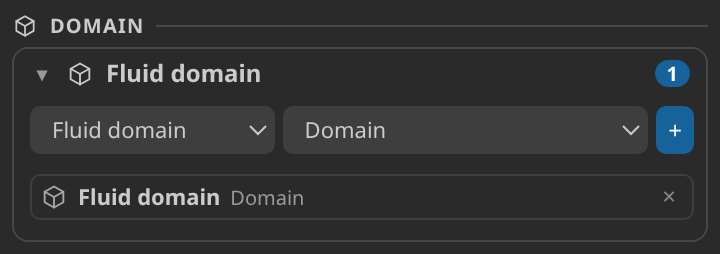
The Parts and Materials cards after setup: Domain as the fluid region, with no material.
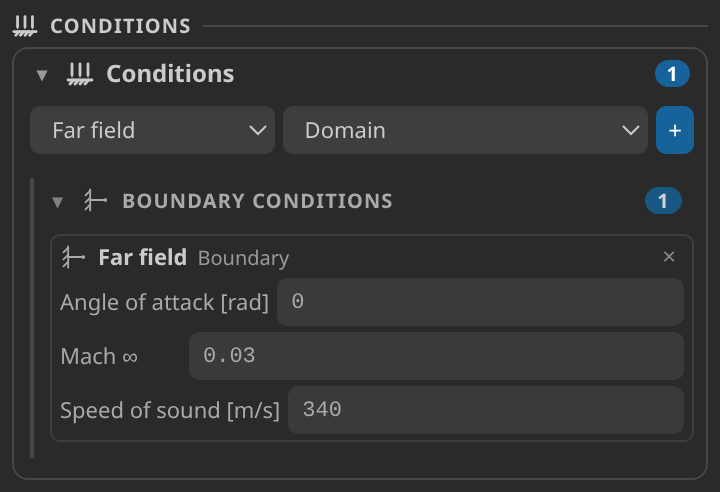
The Conditions card: the far field on Boundary, with the angle, the Mach number and the speed of sound.
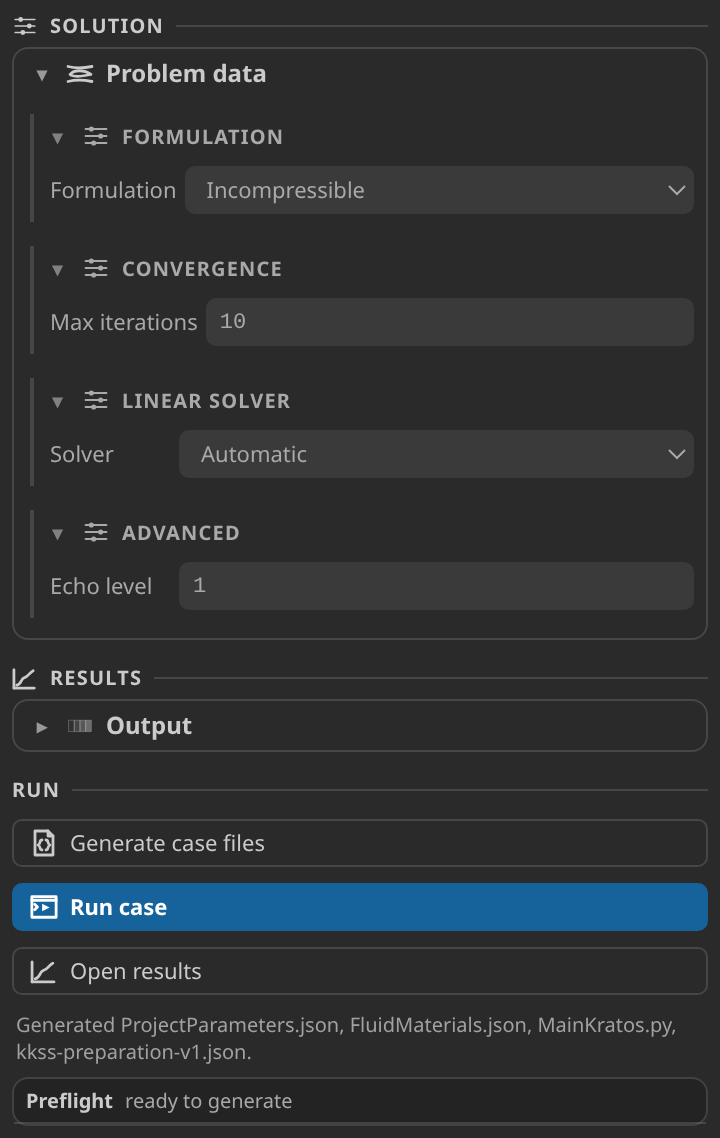
The Problem data form, the preflight report and the Generate button.
Generate and inspect the case files
Click Generate case files and open ProjectParameters.json. Check that solver_type is potential_flow and the formulation is incompressible, that the far-field process acts on FluidModelPart.Boundary with angle 0, Mach 0.03 and speed of sound 340, and that the VTK output writes VELOCITY_POTENTIAL and AUXILIARY_VELOCITY_POTENTIAL. The materials file has no properties, as expected.
Run
Set Settings ▸ Kratos ▸ Python Interpreter to an environment with Kratos 10.4.3 and KratosCompressiblePotentialFlowApplication, click Check environment on the Home screen, then click Run case. The run writes one frame at t = 1 s.
Inspect the results
Click Open results and choose VELOCITY_POTENTIAL in the Field panel.
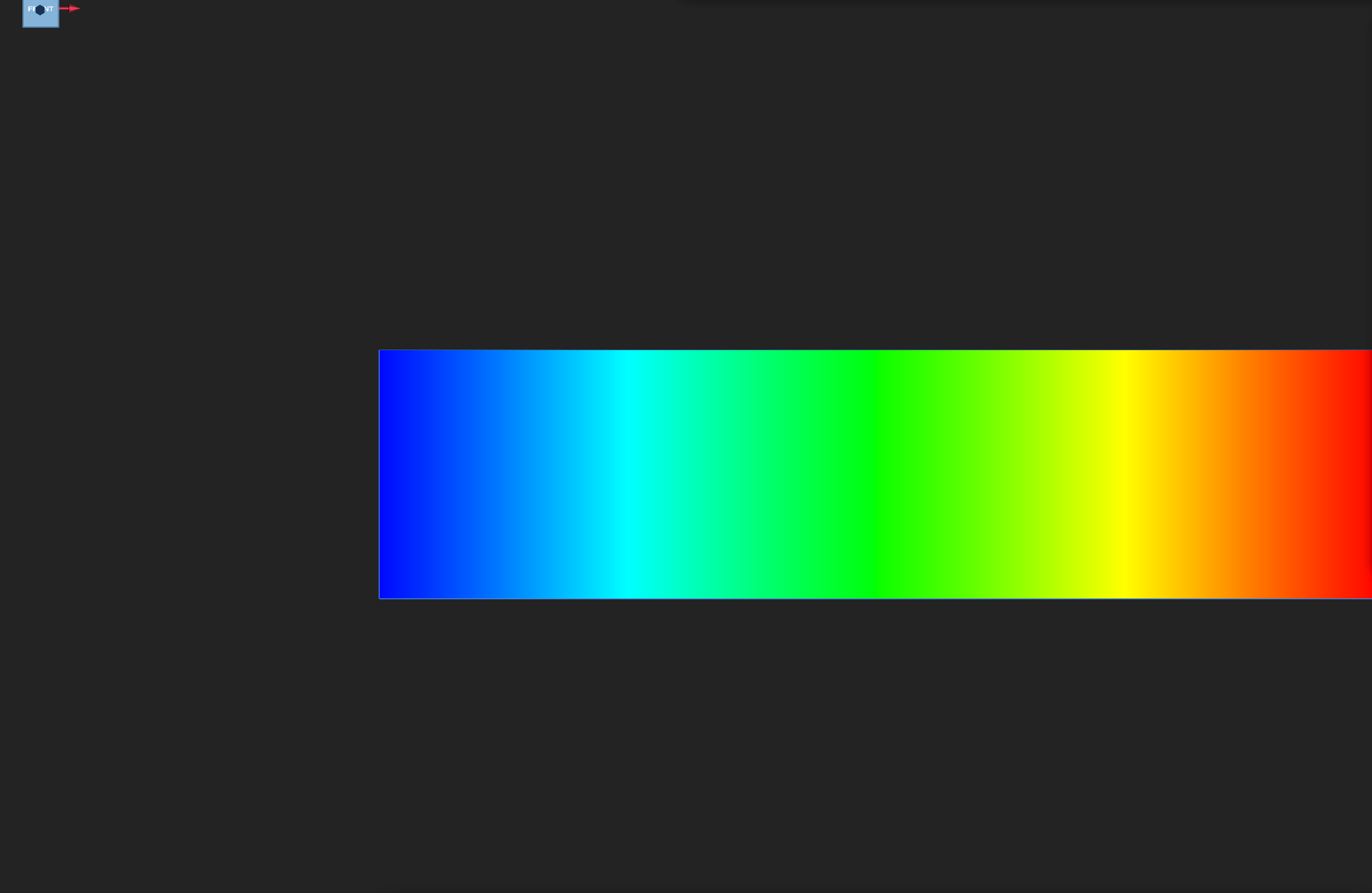
VELOCITY_POTENTIAL at the output frame, viewed from the front. The colour rises steadily from the left edge to the right edge.
The profile plot samples the potential along the mid-height line, from one end of the rectangle to the other. It is a straight line whose slope in metres along x is the x-velocity, 10.2 m/s, and that slope is what the check compares.
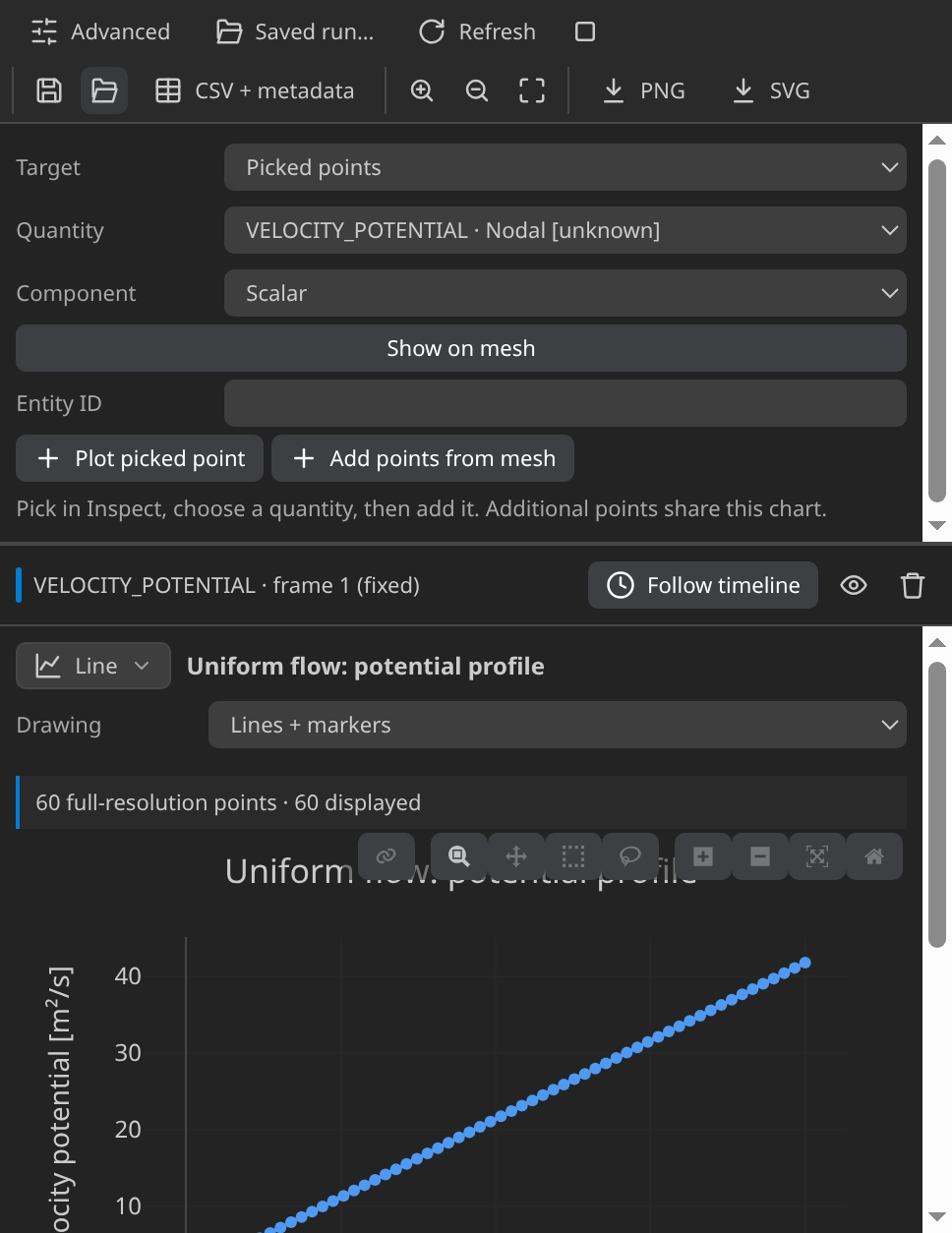
VELOCITY_POTENTIAL against distance along a probe at mid-height, from the left end to the right end.
The velocity is the gradient of this field. Reading a Kratos result in KKSS explains the Field panel and the plots, and scientific plots shows how to build a probe through Inspect ▸ Probe line.
Verify
For every triangle of the final frame, the verifier computes the gradient of VELOCITY_POTENTIAL from its three corner values and measures its distance from [10.2, 0] m/s. The check is the largest of those distances, with a limit of 0.001 m/s. The published run gives 0.000033 m/s, far inside the limit.
Verified with Python 3.12.14, Kratos 10.4.3, 2 OpenMP threads: 150 nodes and 248 cells, 1 frame through t = 1.
| Check | Measured | Limit |
|---|---|---|
potential_gradient_error_m_per_s | 0.00003276014 | ≤ 0.001 |
These are tutorial checks with the tolerances shown, not formal solver certification.
A large value usually means the far-field values or the Boundary Part differ from the case. Check the Mach number first: 0.3 instead of 0.03 raises the free stream tenfold, and this check flags it at once.
Troubleshooting
- The run fails at import. The interpreter lacks
KratosCompressiblePotentialFlowApplication. - The velocity check is far above the limit. The far-field values differ from the case. The check assumes 10.2 m/s, which is Mach 0.03 at 340 m/s.
- A boundary edge shows no free stream. The Boundary Part must include all four edges.
- The mesh has volume elements. Re-export as 2D from the planar face.
Variations to try
- Change the angle of attack to 0.1 rad. The free stream turns, so the gradient is no longer [10.2, 0]. Predict the two components from the angle and compare them with the field.
- Compare the formulations at a higher Mach number. Switch Formulation to Compressible and raise the Mach number, to see where the incompressible assumption starts to matter.
- Refine the mesh. A linear potential is exact on linear triangles, so the gradient error should stay at solver level.
Reproduce and download
Download the potential-flow case. It holds the CAD source, the generation setup, the generated case and the verification record, with SHA-256 hashes. To reproduce the run, unpack it into an empty folder, open rectangle.brep in Pre-Processing and mesh.mdpa in Post-Processing, then run MainKratos.py with Kratos 10.4.3 and KratosCompressiblePotentialFlowApplication, using OMP_NUM_THREADS=2. Downloaded cases are starting points: rerunning overwrites their generated outputs.