Mesh to CAD (Fit to CAD)
Kratos simulations usually start from geometry — but plenty of usable geometry starts as a mesh: a triangulated scan, a mesh exported by another code, or a skin extracted from a CFD case. KKSS 2.16.0 closes that direction with Fit to CAD: meshio++'s fitCad segments a closed triangle skin and replaces every patch with an exact analytic face — planes, spheres, cylinders, cones and tori, rolling-ball fillets and blends, chamfers, vertex blends, threads (tapered and variable-pitch included) and freeform B-spline faces where no primitive fits — sewn into a solid and validity-checked by OpenCASCADE, then written as a brand-new AP214 STEP file. The original mesh is never touched.
This walkthrough runs the whole chain on the downloadable example — a 100,000-triangle sphere STL that fits into one exact spherical face — both through the viewer and through the AI assistant's tools, then refines the result's exact NURBS representation with the IGA tooling.
The example files live in /examples/fit-cad/:
| File | What it is |
|---|---|
large-sphere.stl | Source — 100,000 triangles, ~5 MB |
large-sphere.step | Fitted solid — one face, one exact sphere (valid: true, volume ratio 1.0002, deviation 0.2964 mm) |
large-sphere.cad.json | The solid's B-rep side channel — one trimmed degree-2 NURBS face, [7, 5] knot spans, 35 control points |
large-sphere-refined.cad.json | After iga_refine — [10, 7] knot spans, 70 control points, geometry unchanged |
Download all four into one folder and follow along.
1. Check the skin is fittable
Open large-sphere.stl in CAD mode — the file routes to the 🔷 Pre-Processing tab. Fold open Advanced ▸ Mesh Health and click Check Healability. Fit to CAD shares Promote's gate — the skin must be closed and consistently wound — and the report says exactly that: 1 component, closed (a holed or inconsistently wound skin names its open edges instead; repair_mesh can rebuild one first).
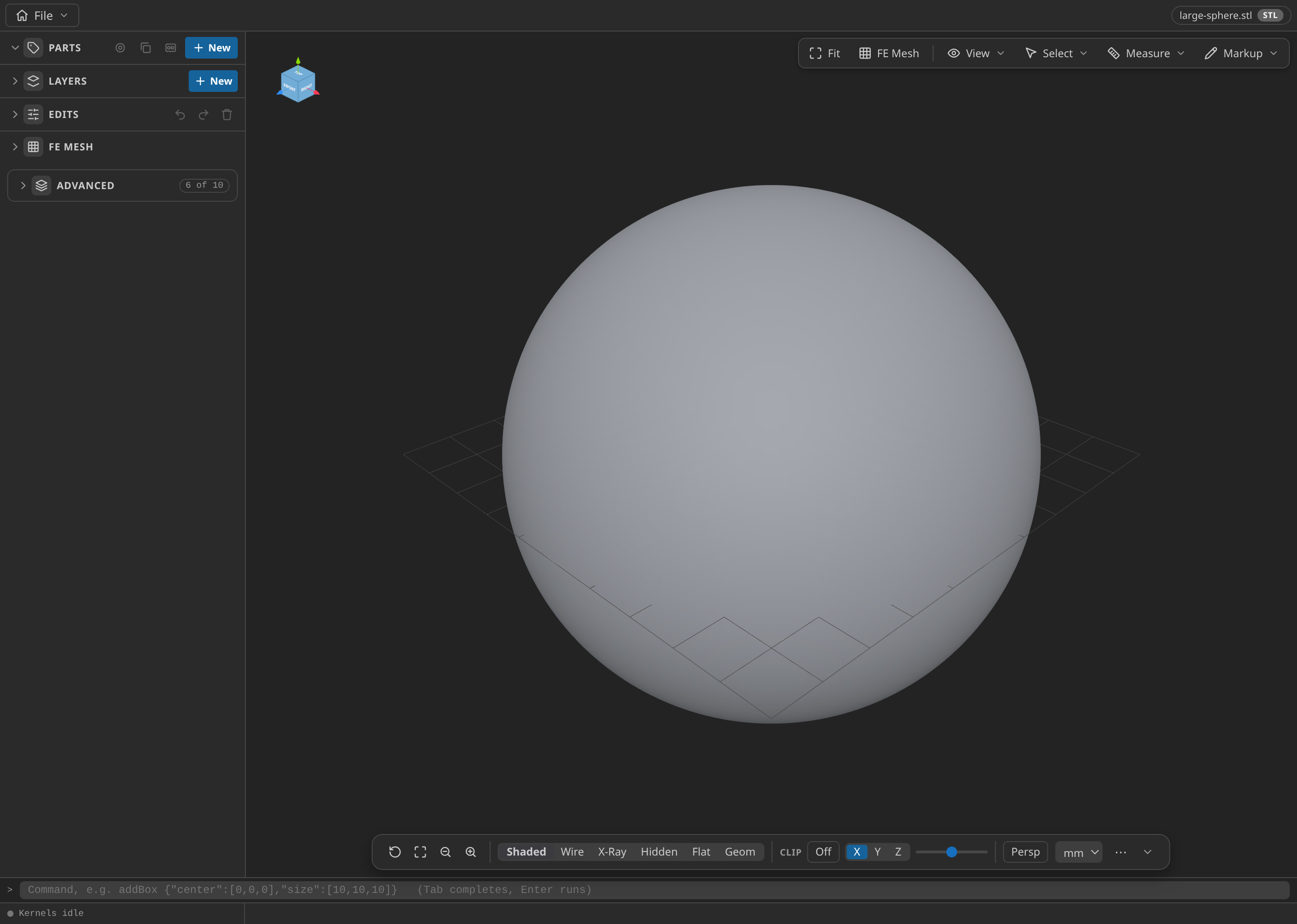
The source skin in Pre-Processing: 100,000 triangles, one closed component.
2. Fit to CAD
Click Fit to CAD…, pick where the STEP goes, and wait a few seconds. The status line carries the fit's own report:
Fitted to CAD: 1 faces (0 plane, 0 cylinder, 1 sphere, 0 cone, 0 torus), volume ratio 1.0002, max deviation 2.96e-01
100,000 triangles became one exact spherical face. The numbers mean:
- volume ratio — fitted solid volume ÷ skin volume (divergence theorem over the source triangles); 1.0002 is a closed, faithful solid.
- max deviation — symmetric Hausdorff distance from the skin to the re-meshed solid, in model units (the STL's millimetres).
- An orange error line instead means the solid failed OpenCASCADE's own B-rep check — the file is still written, but inspect it before relying on it.
Open the written large-sphere.step (File ▸ Open…): the viewer tessellates a true B-rep solid, and measure/mass-properties now answer from exact geometry — one face, one radius, editable like any STEP model.
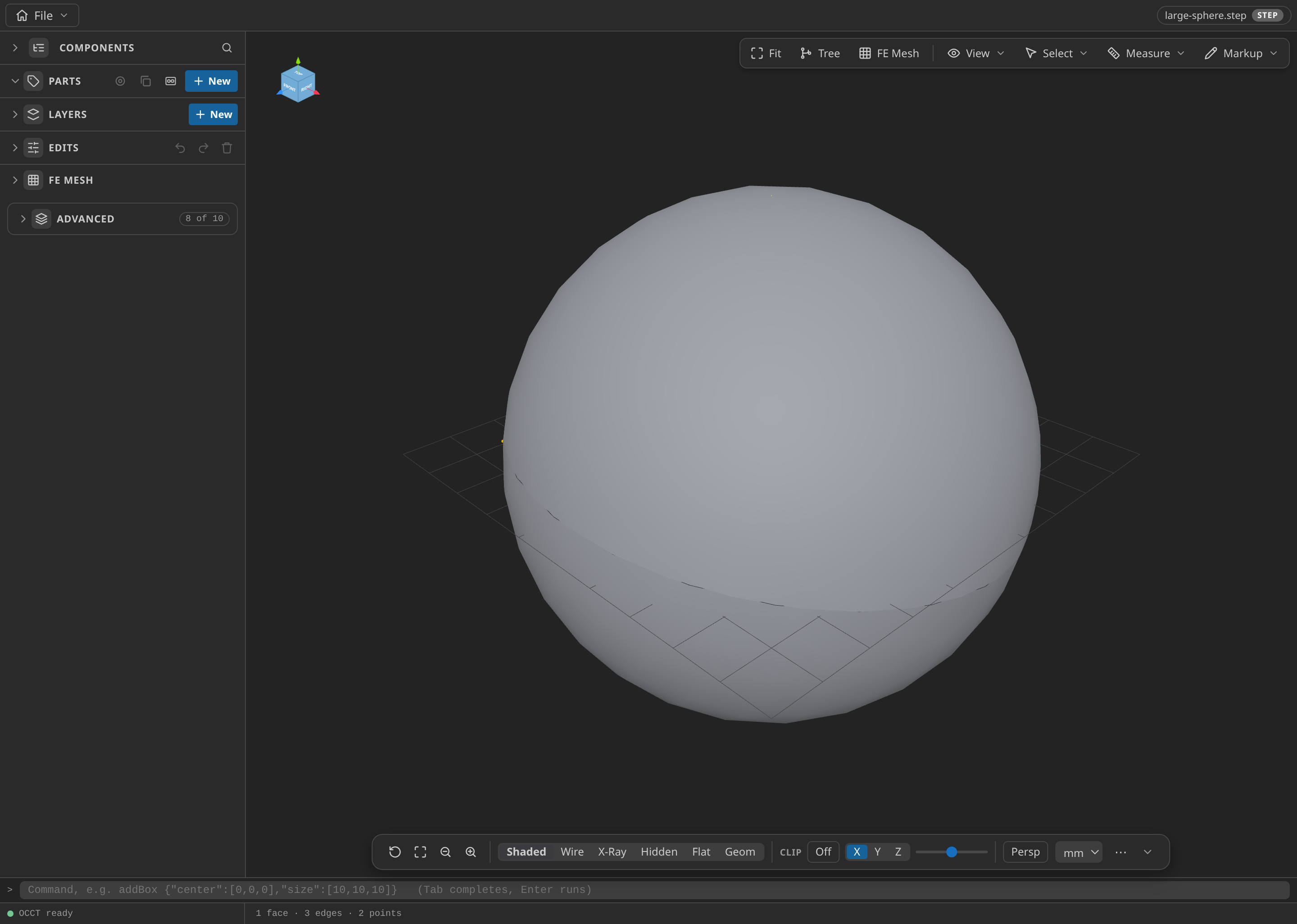
The fitted STEP solid: one face, one exact sphere, editable like any STEP model.
3. The same thing through the assistant
The viewer button and the cad__fit_mesh_to_cad tool run the same pipeline. Prompt:
Fit /path/to/large-sphere.stl to CAD: write the solid to
/path/to/large-sphere.step and the B-rep side channel (cadJsonPath) to
/path/to/large-sphere.cad.json, then report the face counts and the
volume ratio.
The tool refuses anything that cannot close (it names the open edges) and accepts the same sources the panel does (STL/OBJ/PLY/glTF). Because the call writes a STEP (and optionally the .cad.json side channel), KKSS classifies it as a write — you approve it in the transcript like any file-writing tool call. The same one-shot chain exists in Post-Processing: exporting any model to .step auto-fits the same way (the Export menu asks kernel-defaults / analytic-only / skip fitting once), with the <stem>.cad.json companion written beside the file, and mesh_convert takes the same fitCad option object.
4. Work with the exact NURBS — IGA
The .cad.json side channel is not a loose byproduct: it is the trimmed NURBS B-rep the IGA tools read and refine exactly. With the STEP (or the .cad.json) open, prompt:
Sample /path/to/large-sphere.cad.json (iga_sample) and report the B-rep
inventory, then refine it into /path/to/large-sphere-refined.cad.json with
two subdivisions per knot span (iga_refine).
On this example iga_sample reports the inventory — 1 brep, 1 trimmed rational face, degree [2, 2], [7, 5] knot spans, 35 control points — and its sampling: 288 quad9 cells over the face. iga_refine answer with before/after patch facts that make the unchanged-geometry claim checkable: knot spans grow to [10, 7], control points 35 → 70, degrees untouched. The refined file is still an ordinary .cad.json — open it with load_model as usual. iga_evaluate evaluates any face at explicit (u, v) with derivatives and the inside-of-trimming-loops flag.
These tools are read/write-classified like everything else: iga_sample and iga_evaluate run silently (facts only); iga_refine writes a new .cad.json and asks first.
5. From an optimization run
The chain works where geometry changes during a solve: a finished Structural Optimization case's Export Optimized Geometry as CAD… (Kratos Runs row, or the Optimization panel's Export CAD) writes the run's final shape through the same .step auto-fit pipeline — Shape writes the moved design-field frame; topology contours the density field at a threshold first, and an Euler_topology result's threshold is always reported because it defines the solid. The assistant calls the same through case_optimization_cad. The Structural Optimization guide's worked 3D-hook run ends exactly this way.
Notes and limits
- The fit needs the full wasm artifact (OpenCASCADE) — KKSS stages it beside the lean meshio++ build and loads it only where needed, so a plain mesh conversion pays nothing for it.
- A failed segment/fit throws upstream's refusal by name — an open or inconsistently wound skin, a patch no primitive describes without blowing the tolerance (it demotes to freeform, then to a faceted patch instead of failing).
- Always STEP, never a format picker —
fitCadwrites AP214 in the mesh's own coordinates, so there is nothing to choose. - Result-file meshes (
.t19,.fil,.rst, …) are solver outputs, not skins: extract or export their boundary first. - For walkthroughs that continue from CAD into a simulation, see Geometry to results. For the assistant's own transcript style, see Using the AI assistant.