🔷
Pre-Processing mode
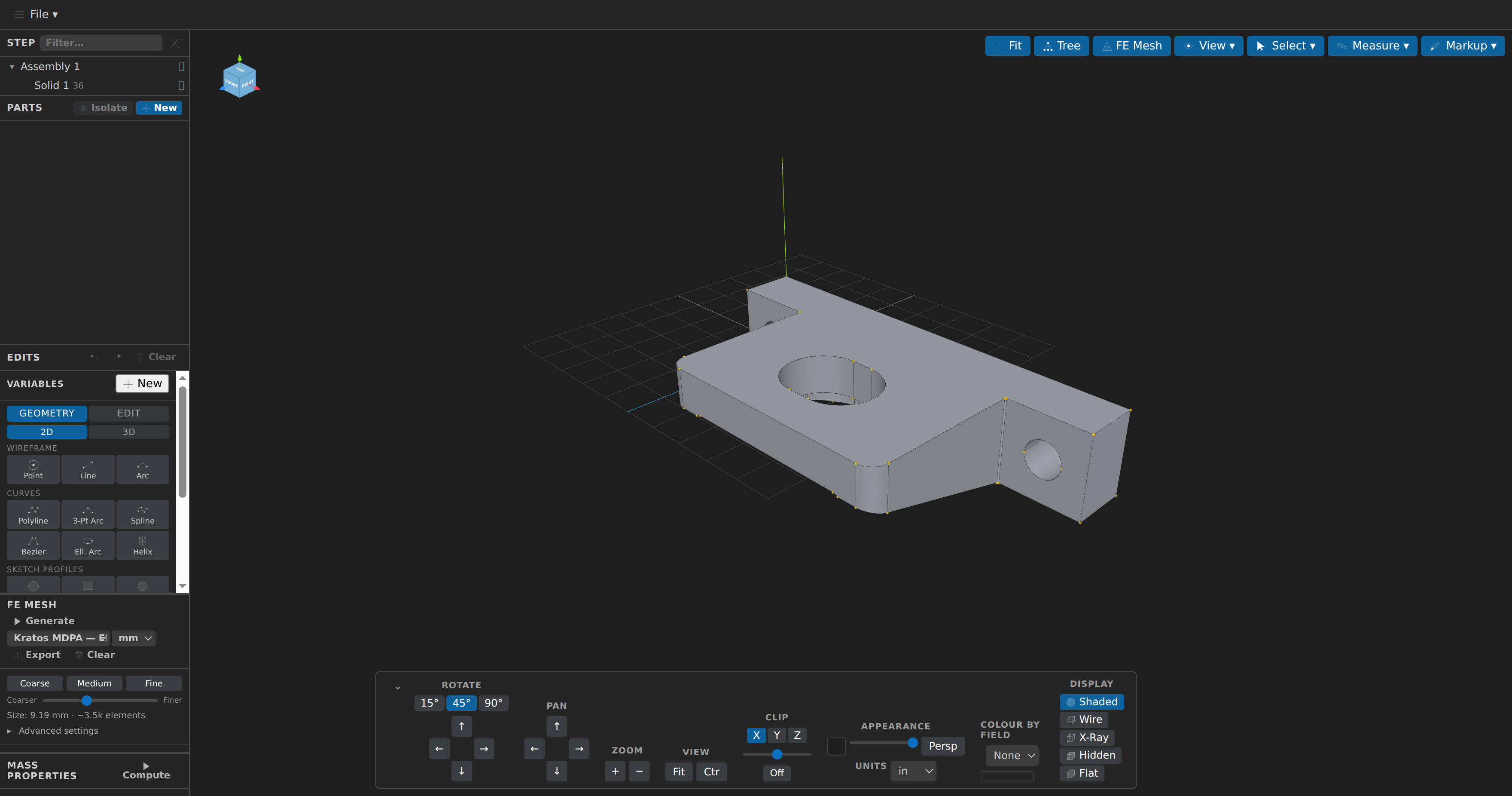
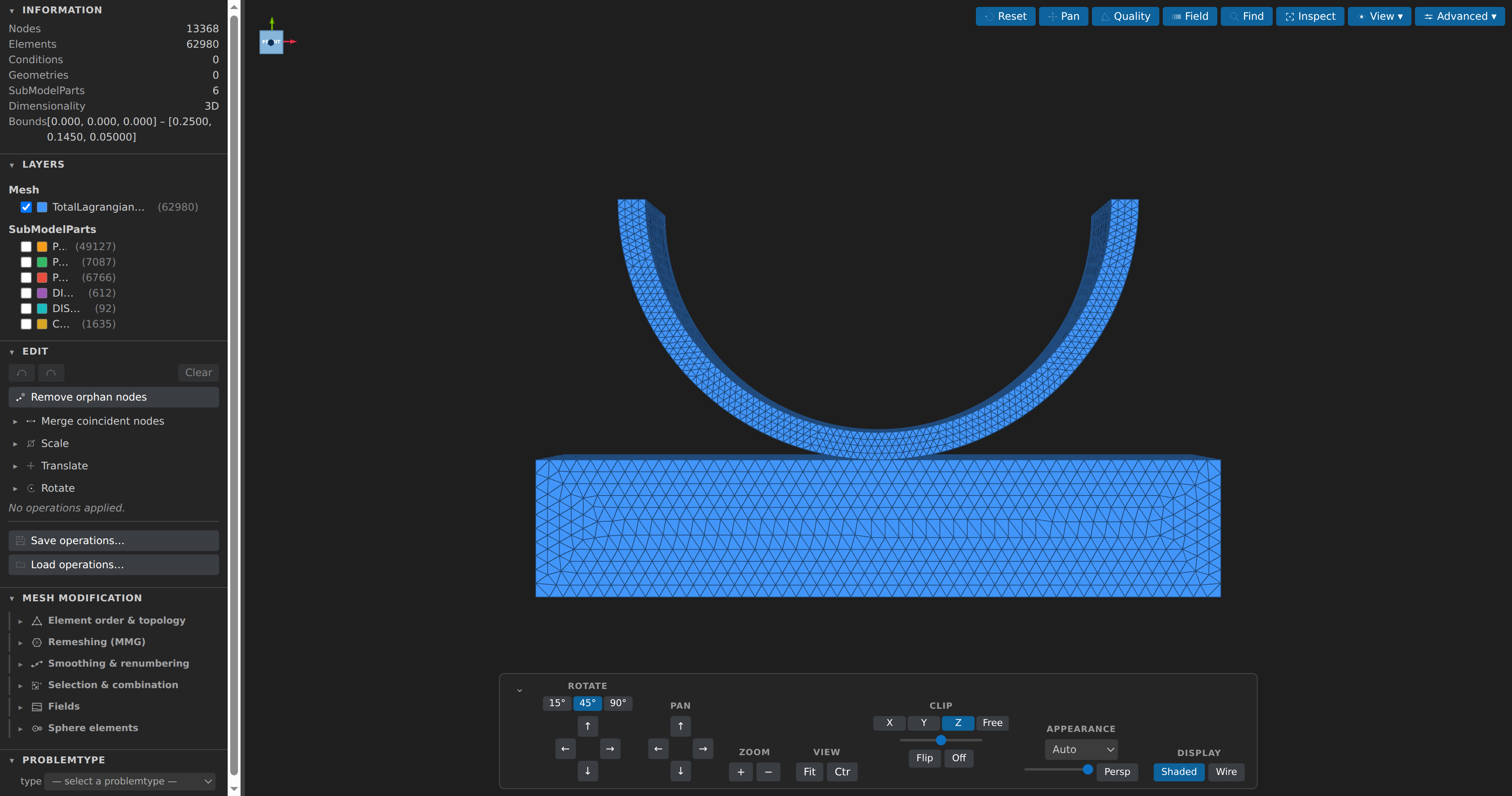
Open STEP/IGES/BREP, STL/OBJ/PLY/glTF/3MF/AMF/USD/VRML/FBX, Collada .dae and OpenSCAD .csg/.scad models — plus VTK/MED/CGNS/Exodus/XDMF/MDPA as boundary surfaces via meshio++ — or start from a blank model, define parts, apply parametric edits with query-pinned operands, measure exactly and read mass properties, annotate the view, and generate finite-element meshes with Gmsh, with quality statistics and unit-converted export; a clean closed mesh can be turned back into exact geometry with Fit to CAD (meshio++'s fitCad, checked by OpenCASCADE) — powered by the CAD-Preview engine (Three.js + OpenCascade WASM).