Geometry to results
Eleven tutorials follow one workflow from geometry toward a solver result in KKSS. Each has its own page, a downloadable case and a verification record. All eleven were solved with Kratos 10.4.3 and checked against those tolerances. The dam-break case needs a one-file alias for the stock serial solver wrapper, because that release does not ship the module the wrapper imports; its page says how to create it.
In the app: every case below is built in — use Help → Examples → (case) to unpack it into a folder of your choice and open its geometry, no download needed.
The eleven tutorials
| Result | Physics | Tutorial | Check |
|---|---|---|---|
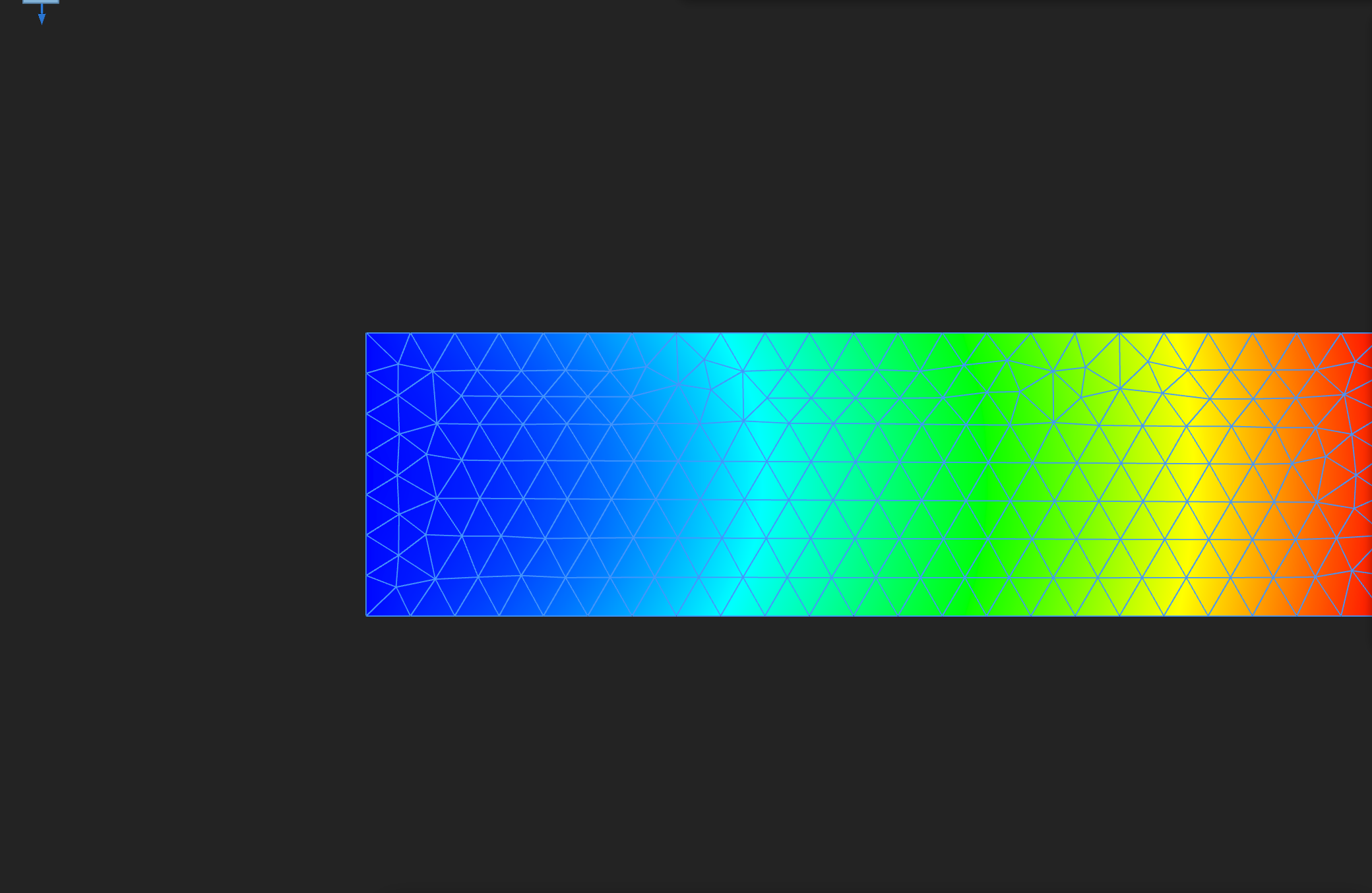 DISPLACEMENT, final frame | Structural mechanics (static) | Cantilever | Free-end displacement against beam theory |
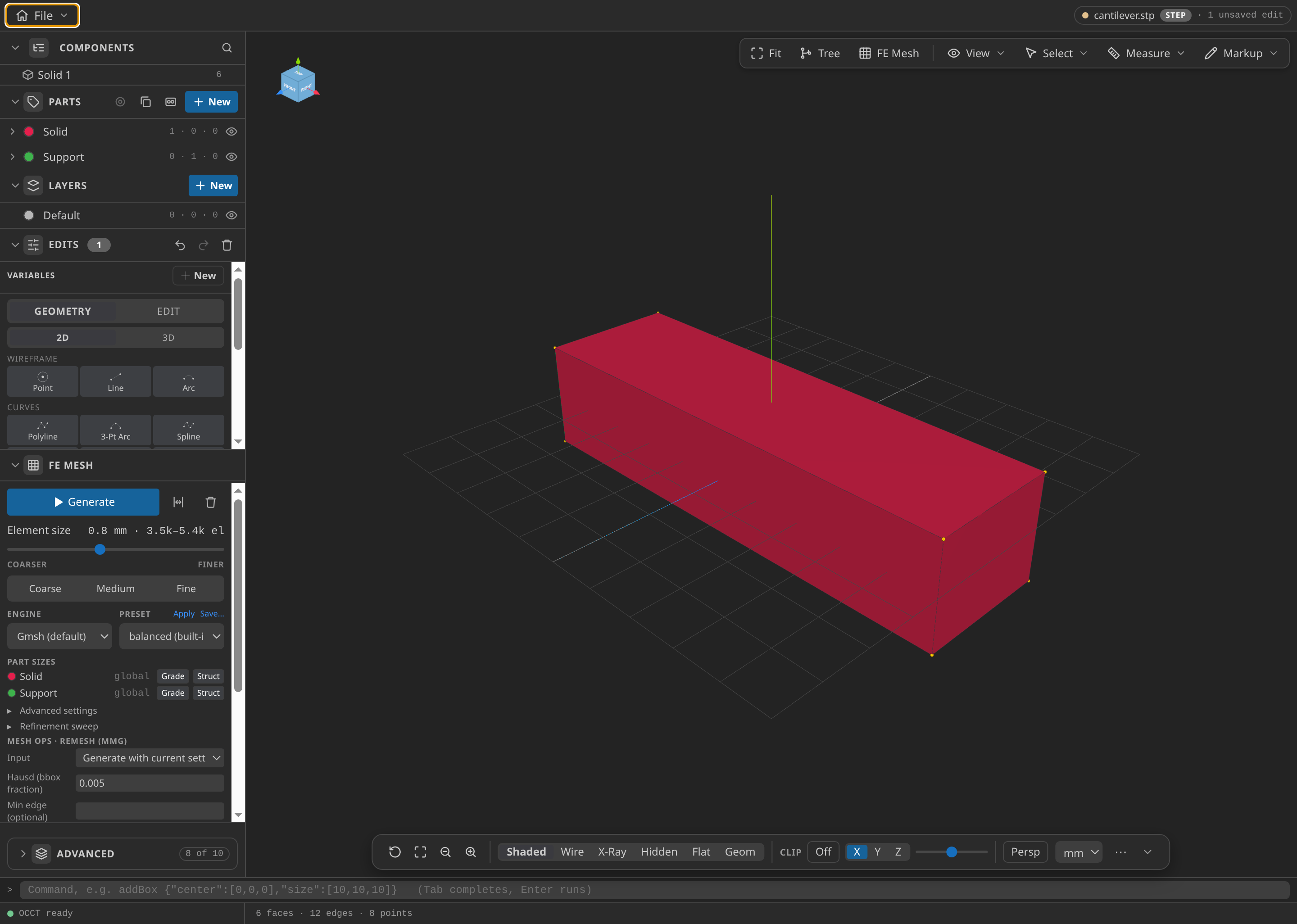 Cantilever geometry | Structural mechanics (eigenvalues) | Cantilever eigenmodes | Bending frequencies against Euler–Bernoulli theory |
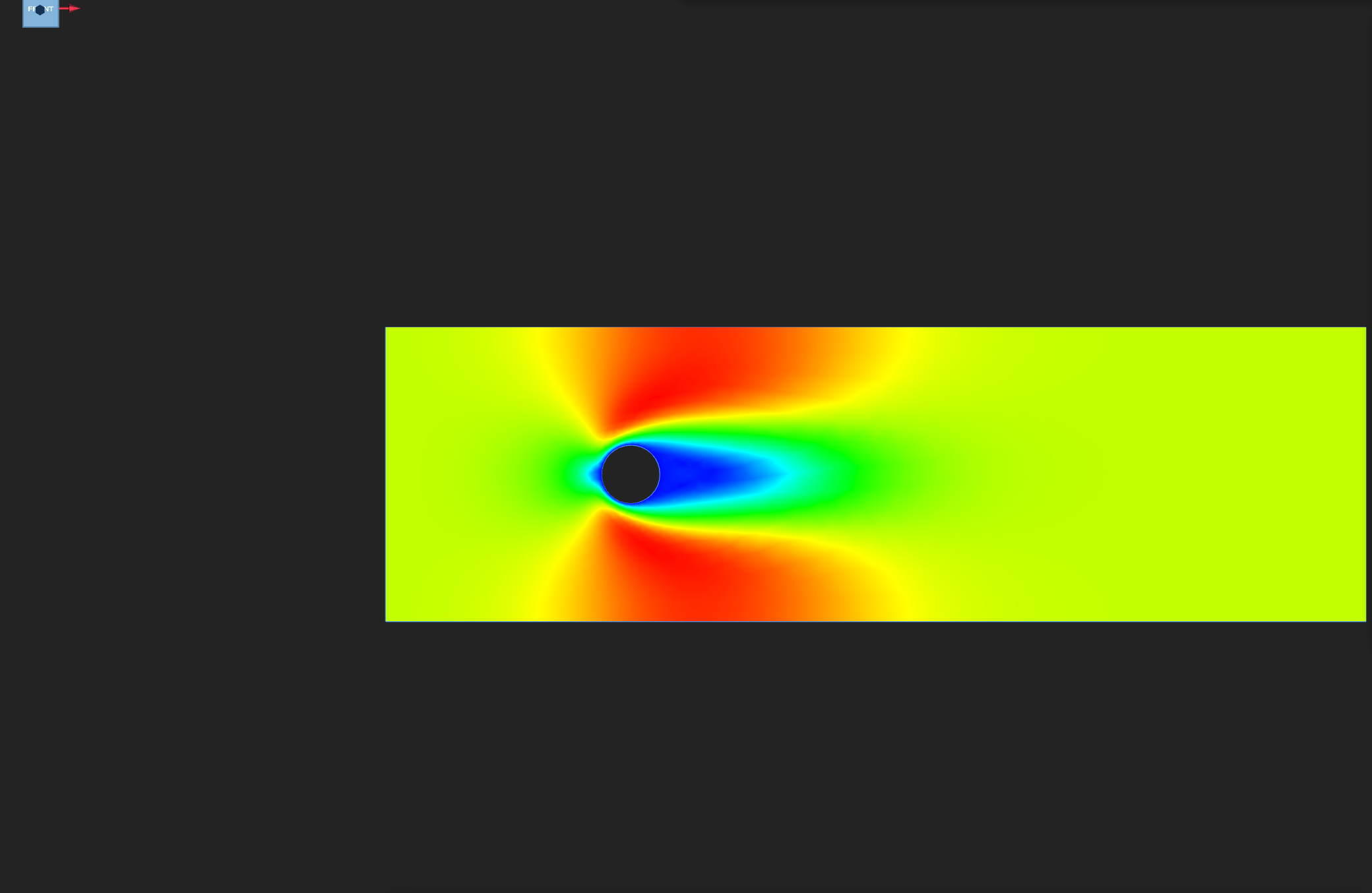 VELOCITY, final frame | Fluid dynamics (laminar) | Laminar obstacle flow | No-slip obstacle walls and balanced flux |
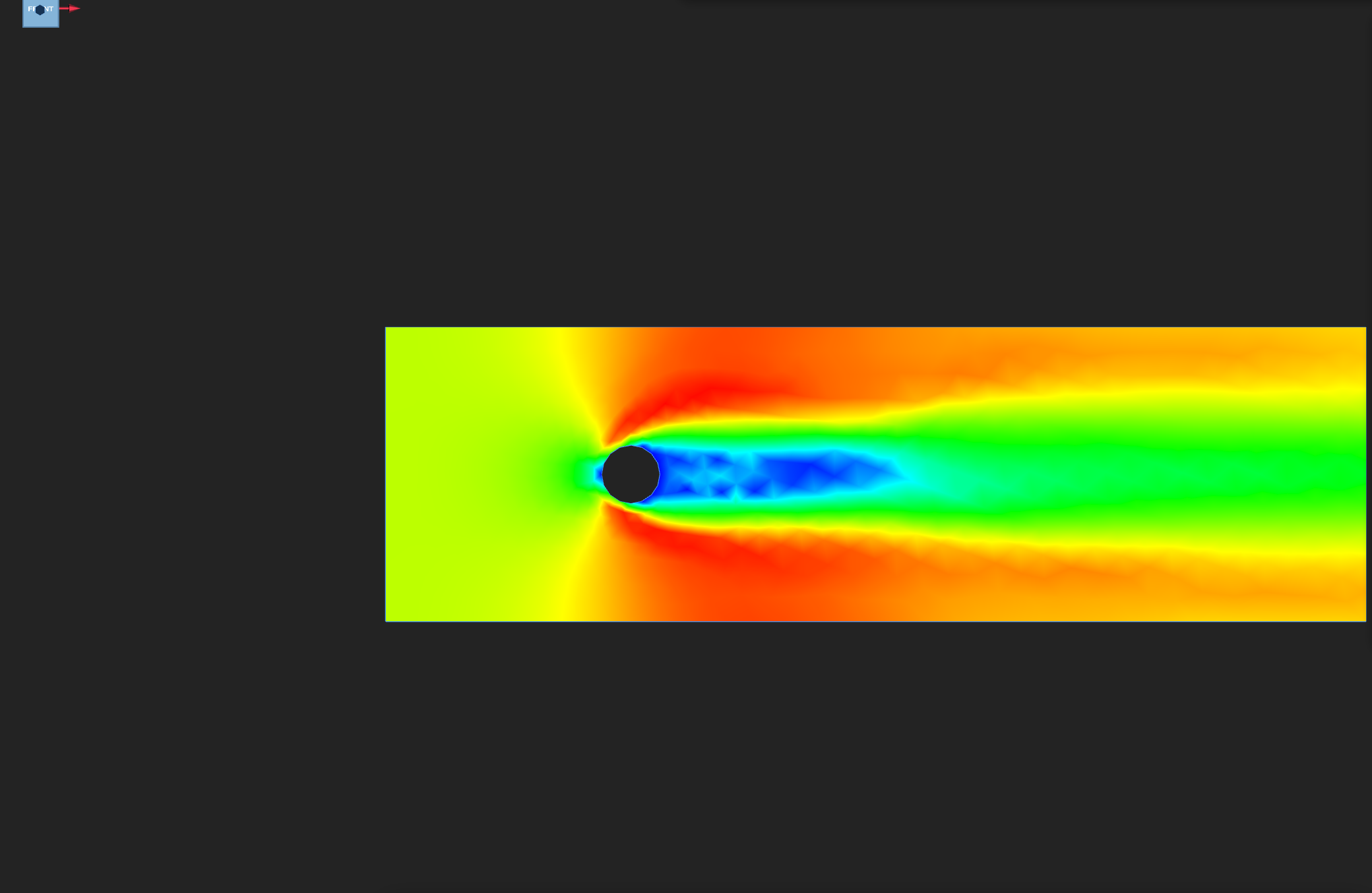 VELOCITY, final frame | Fluid dynamics (turbulent, RANS k–ε) | Turbulent obstacle flow | Wall y⁺ band, turbulence bounds and flux balance |
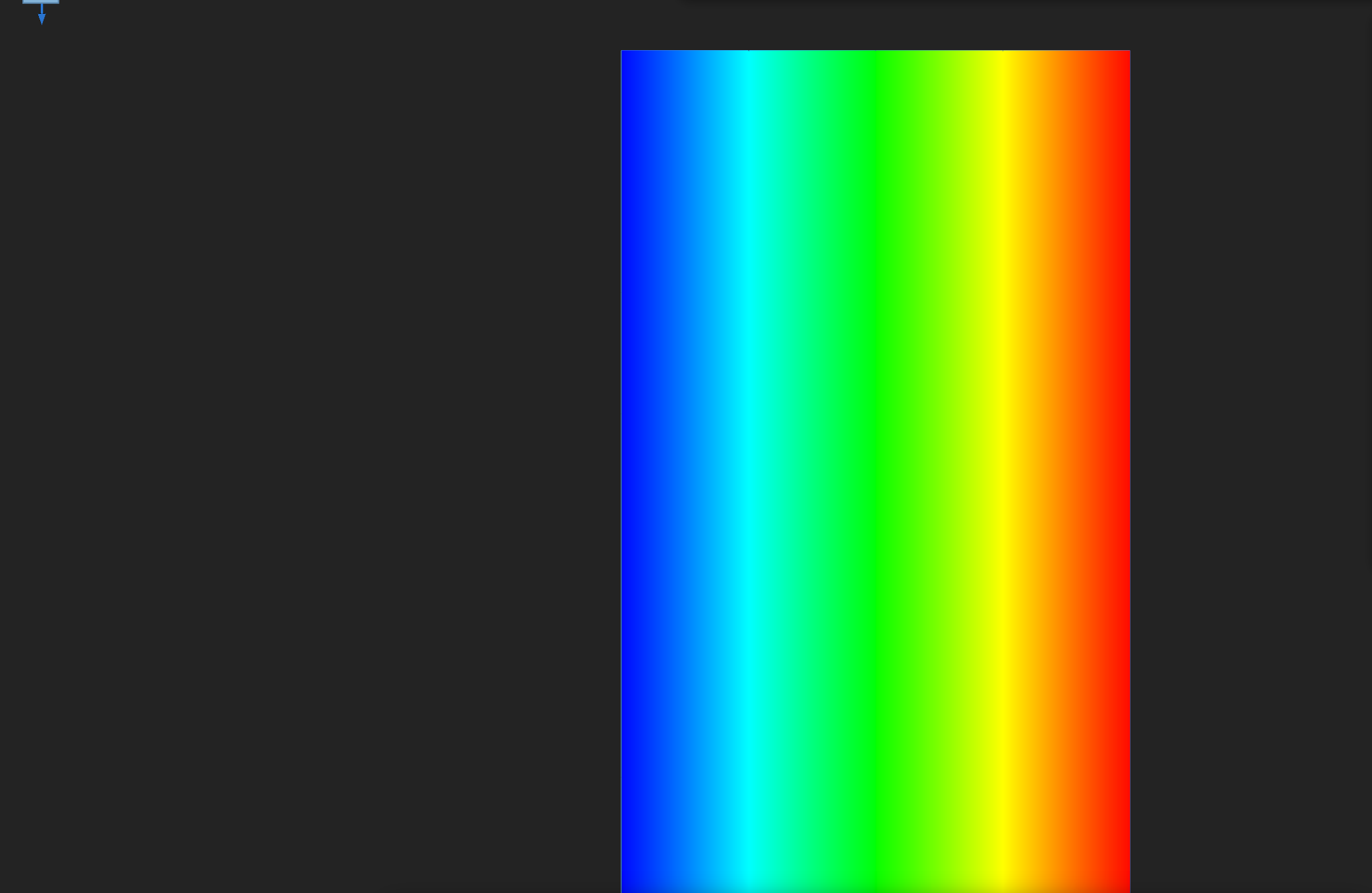 TEMPERATURE, final frame | Convection–diffusion (stationary conduction) | Stationary heat conduction | Linear temperature profile |
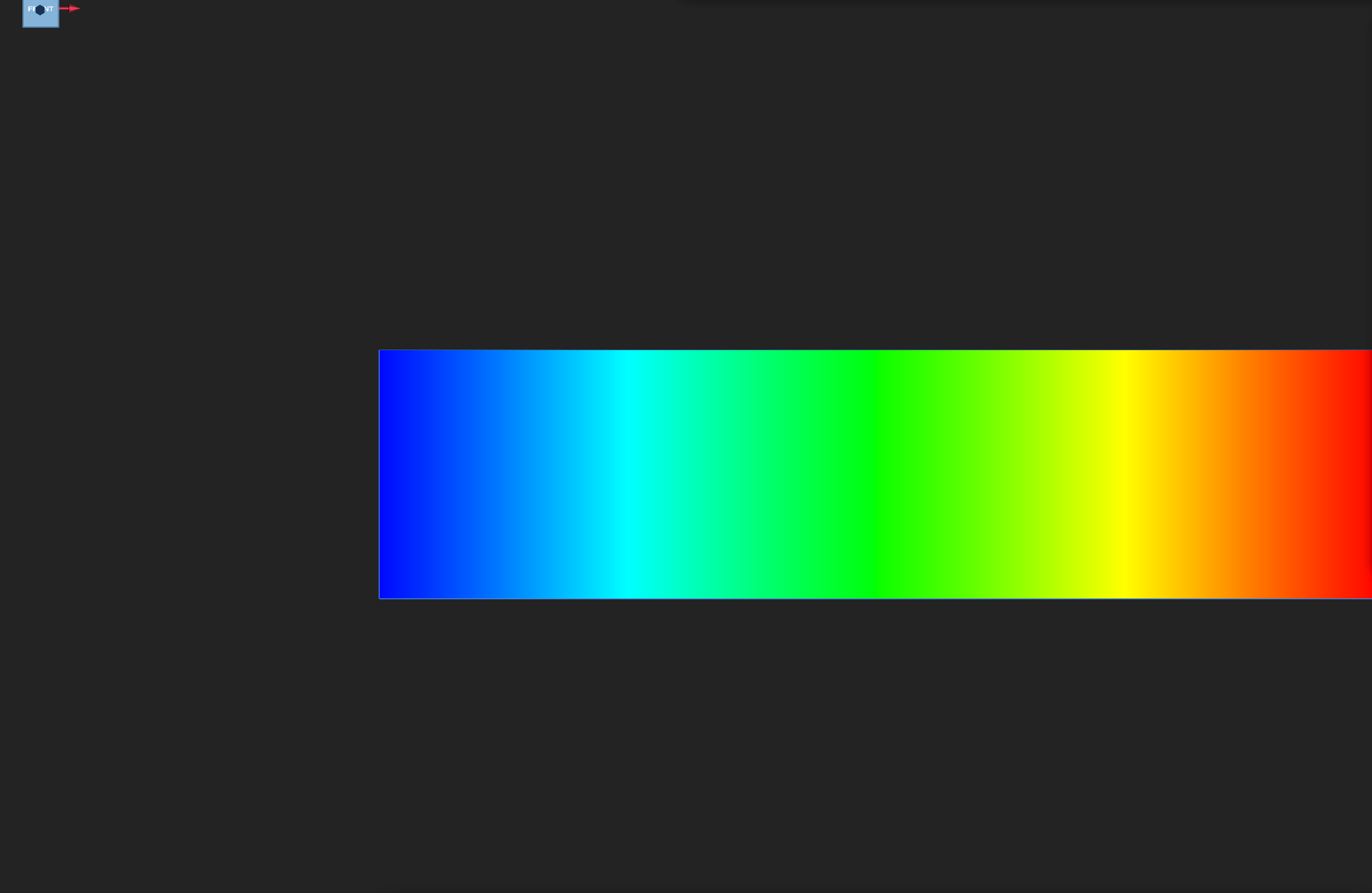 VELOCITY_POTENTIAL, final frame | Potential flow | Uniform flow | Potential gradient equal to the free-stream velocity |
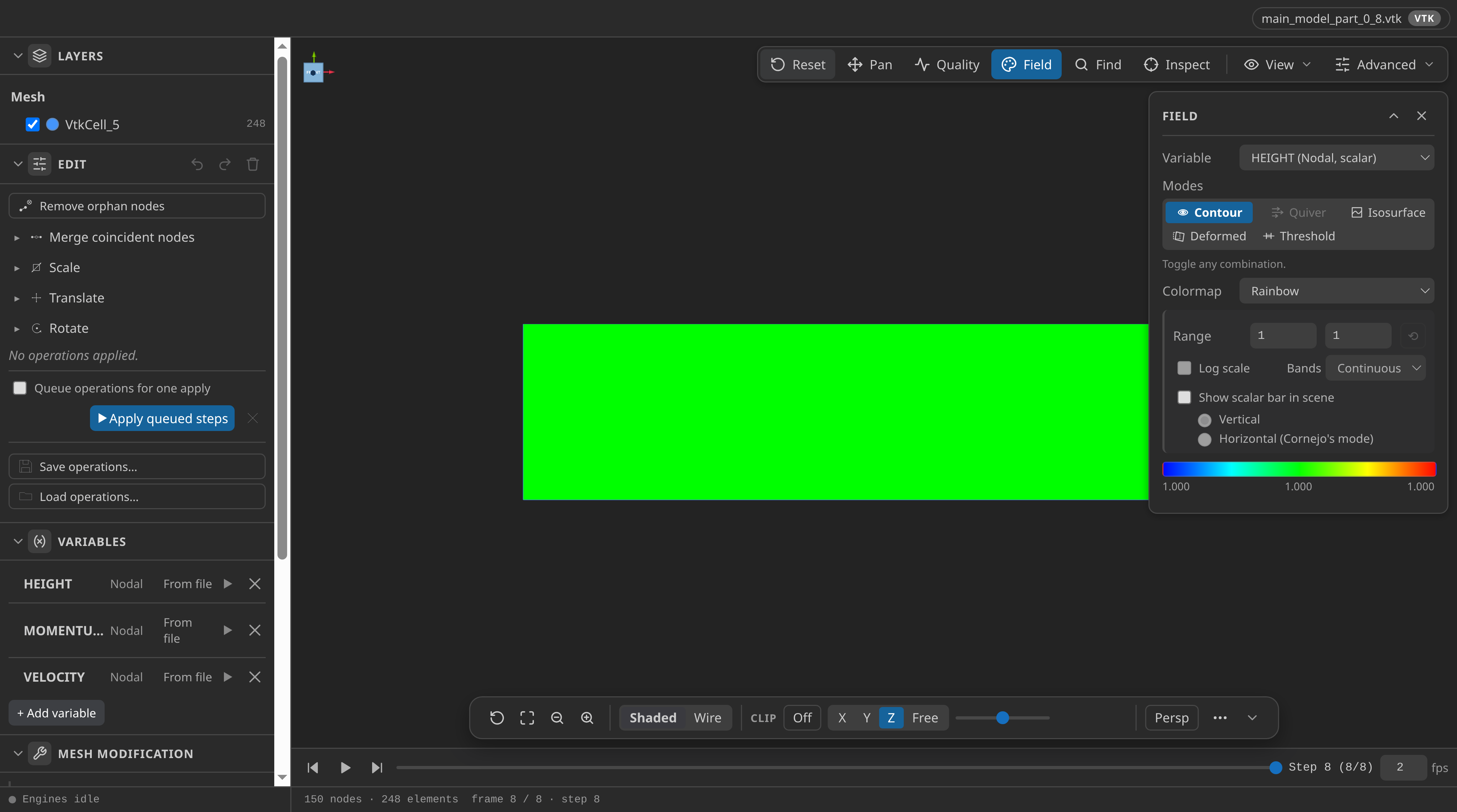 HEIGHT, final frame | Shallow water | Still-water basin | Depth, momentum and volume conservation |
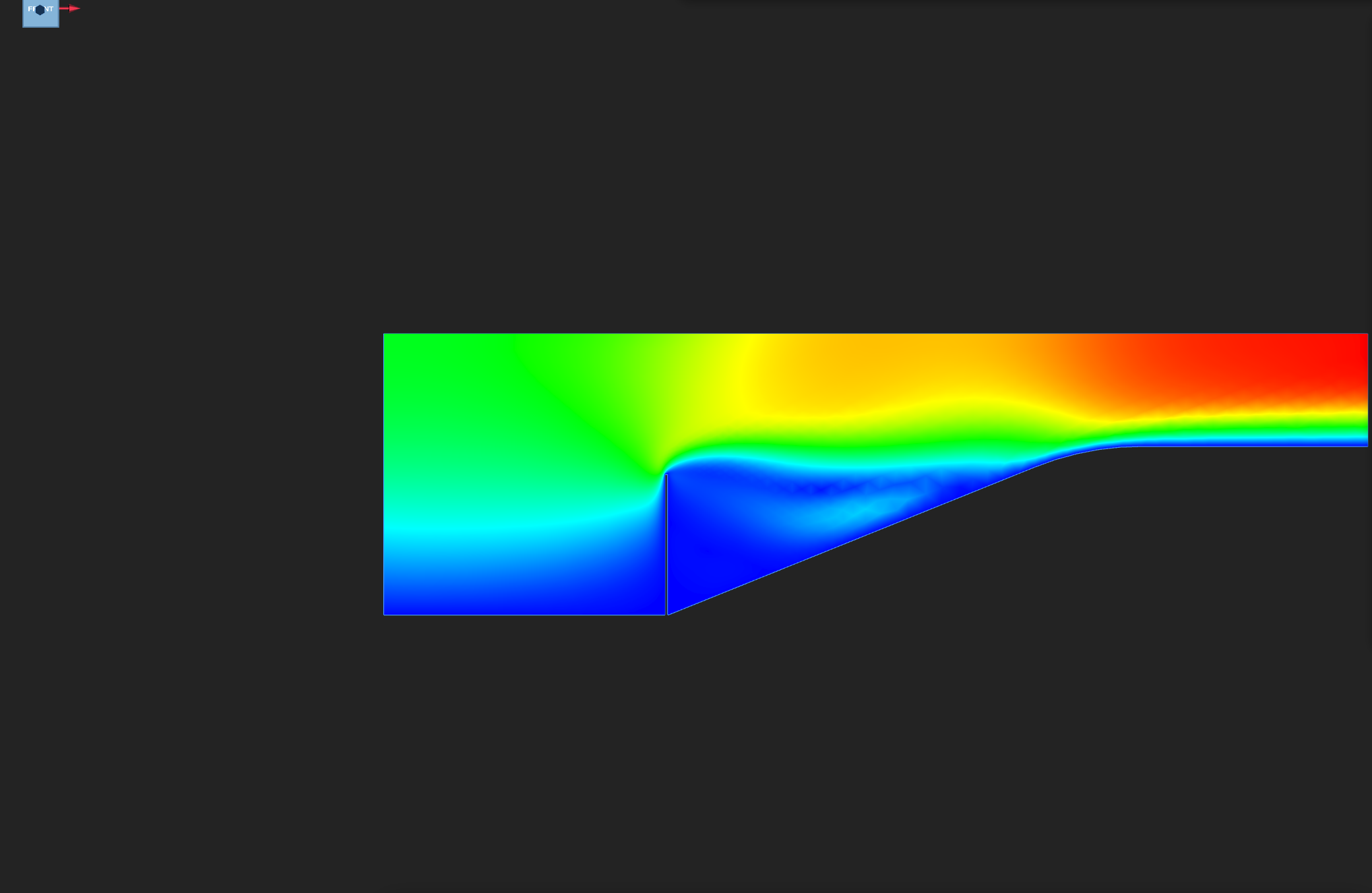 Fluid VELOCITY, final frame | Fluid–structure interaction | Mok benchmark wall | Wall-tip motion against the published benchmark |
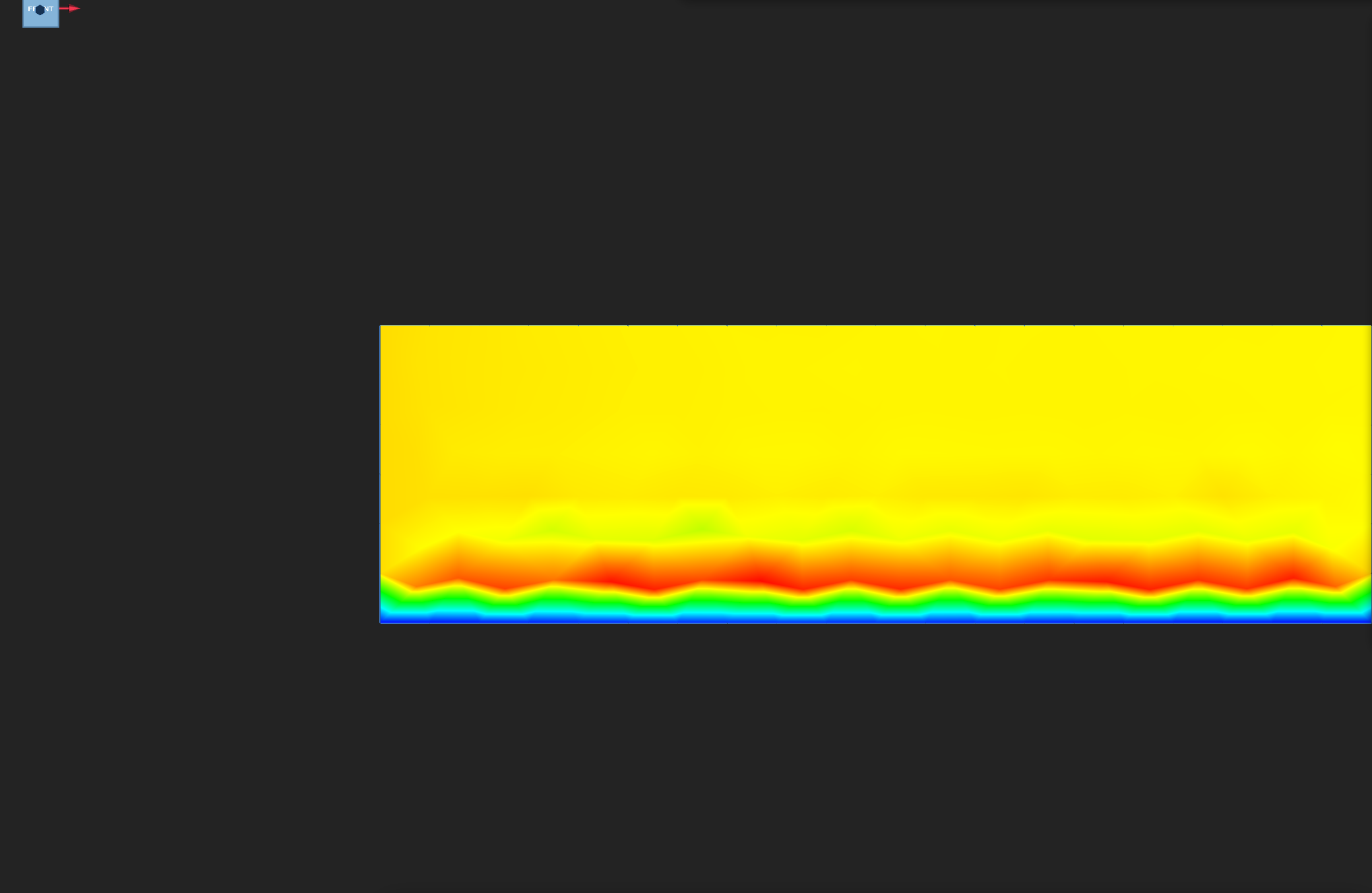 Fluid VELOCITY, final frame | Partitioned coupling (weak CoSimulation) | Channel-slab coupling | Interface motion and mass balance |
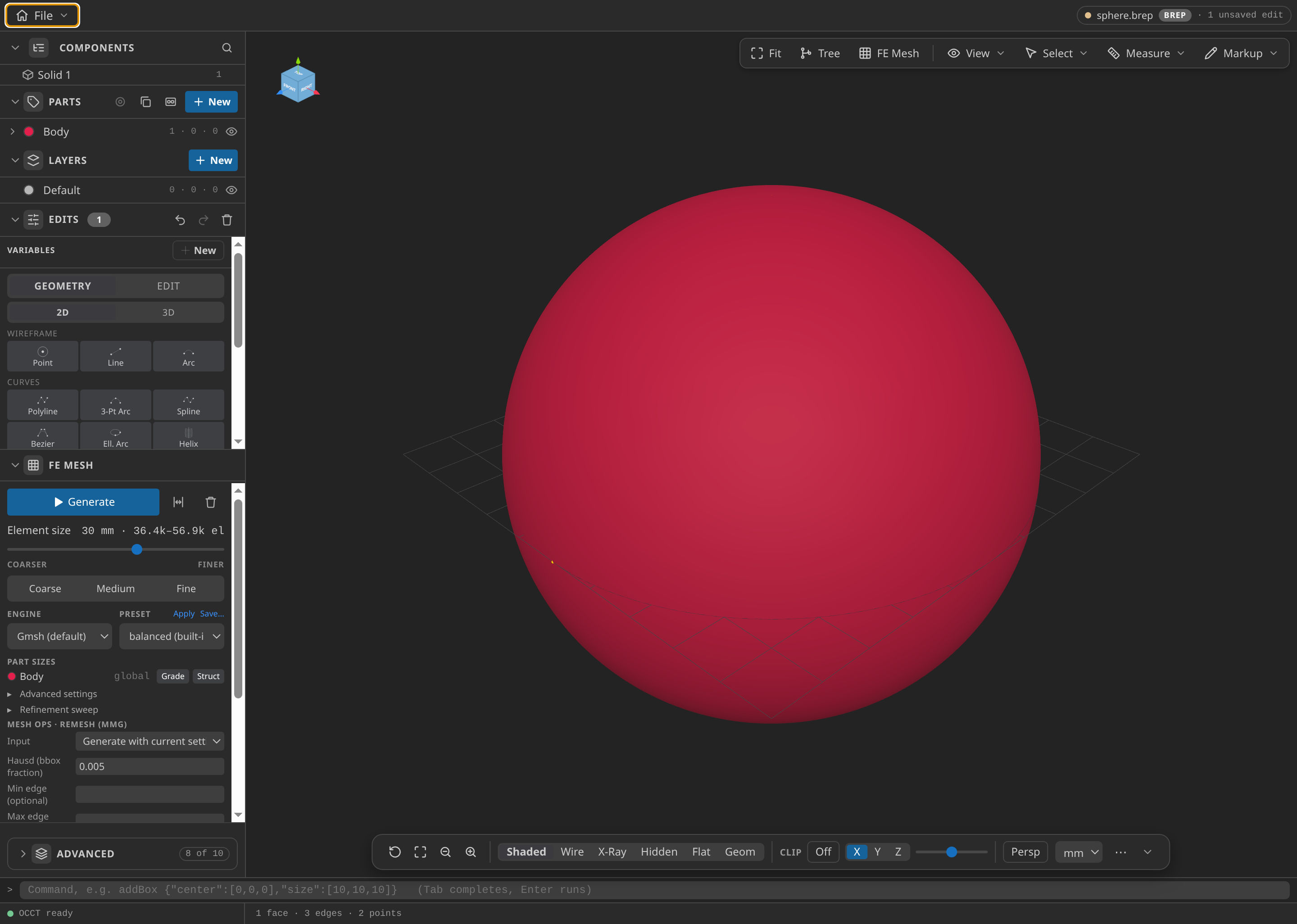 The 0.8 m sphere in CAD, the body the tunnel is built around | External flow around a sphere (RANS, k–ω SST) | Sphere in a wind tunnel | Planned against solved wall y⁺, flux balance |
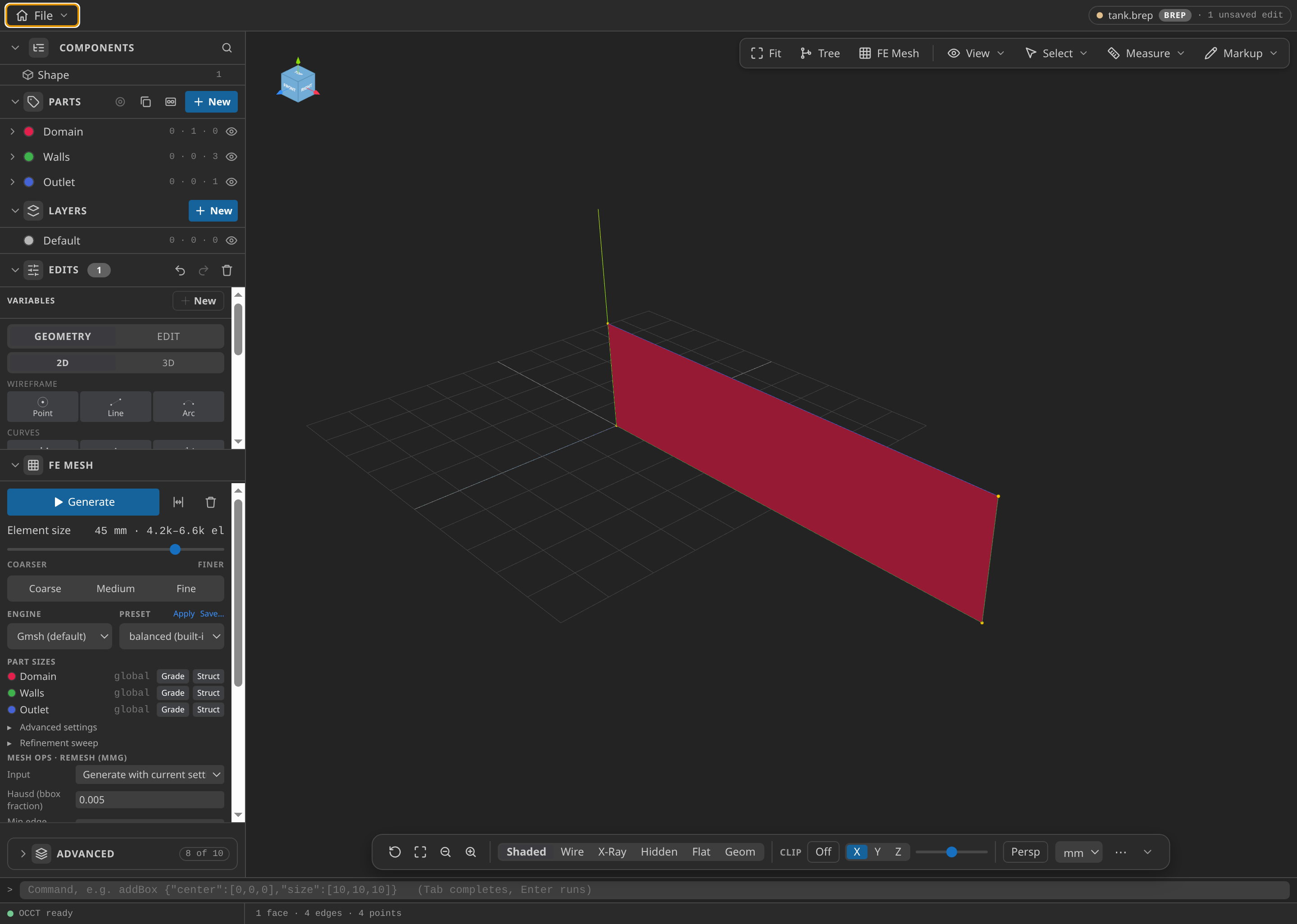 Tank geometry | Two-fluid level set (dam break) | Dam break | Free-surface collapse: the DISTANCE interface, water area and front, outlet pressure |
Example results
Three fields and a plot from the tutorials, drawn in Post-Processing. The reading guide explains the controls behind them.
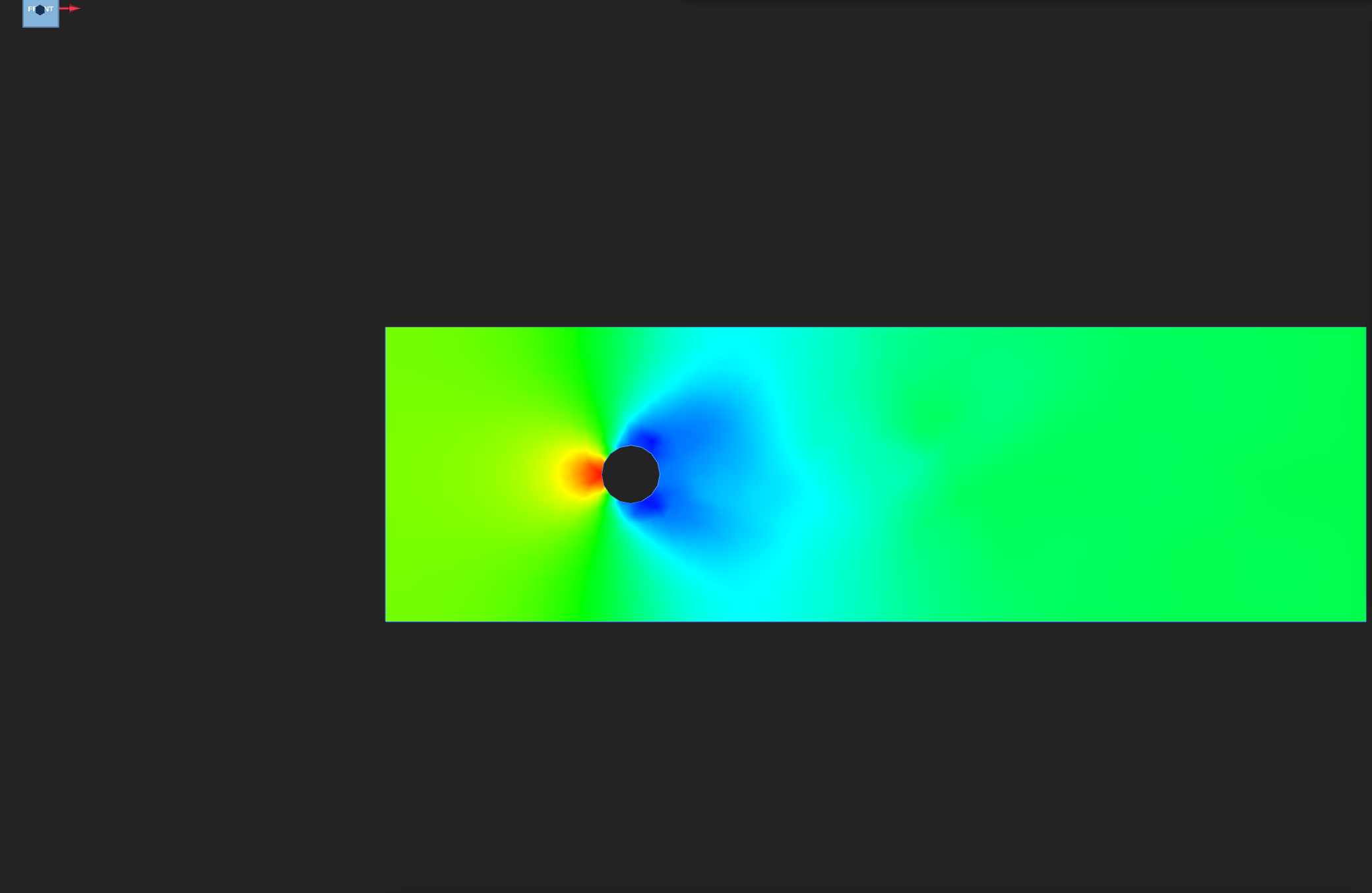
PRESSURE on the final frame, colour range −0.61 to 0.82. Red marks high pressure on the upstream face; blue marks low pressure at the sides and in the wake.
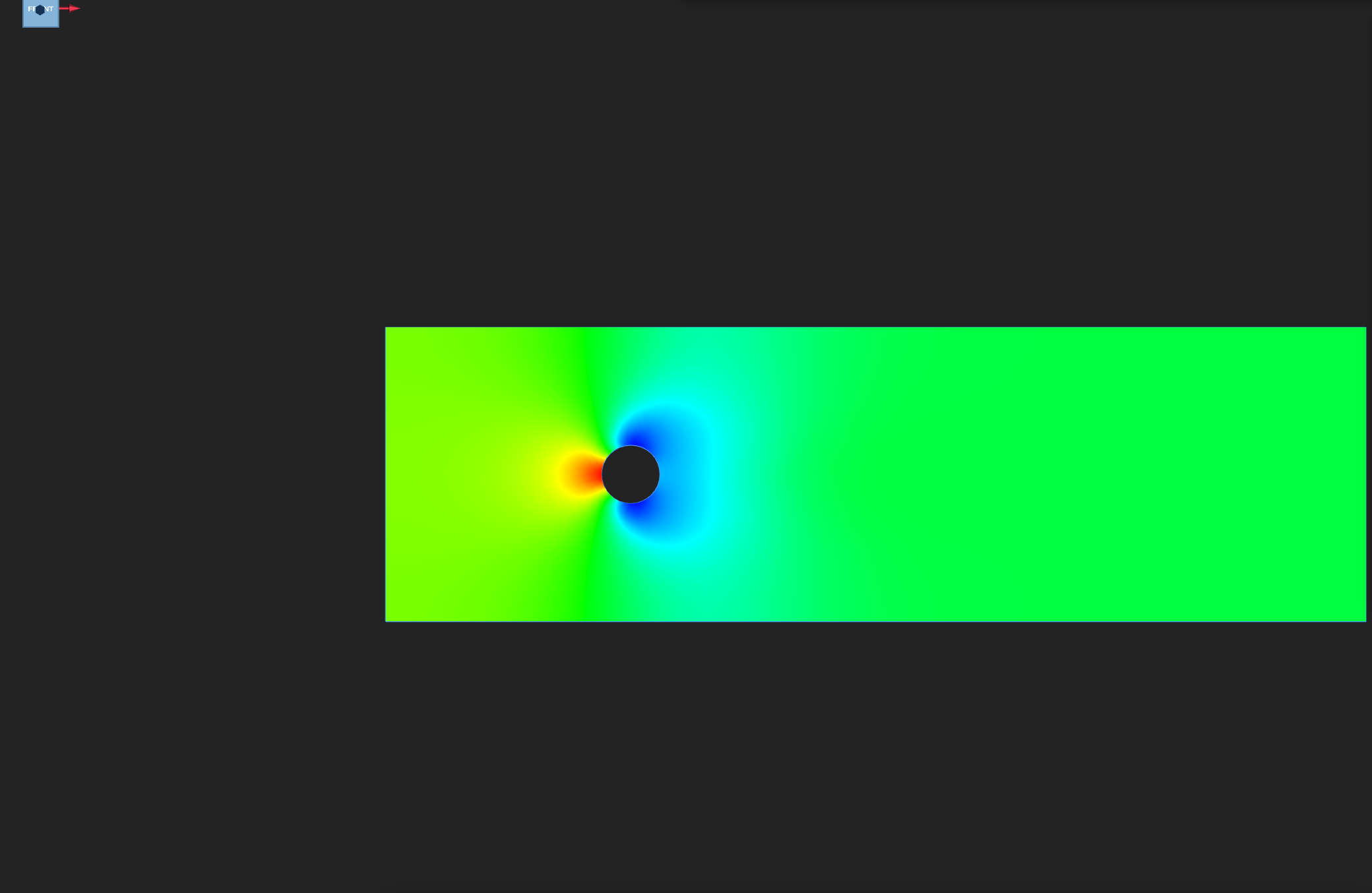
PRESSURE on the final frame. Red marks the high-pressure zone upstream of the obstacle; blue marks the low-pressure zone beside and behind it.
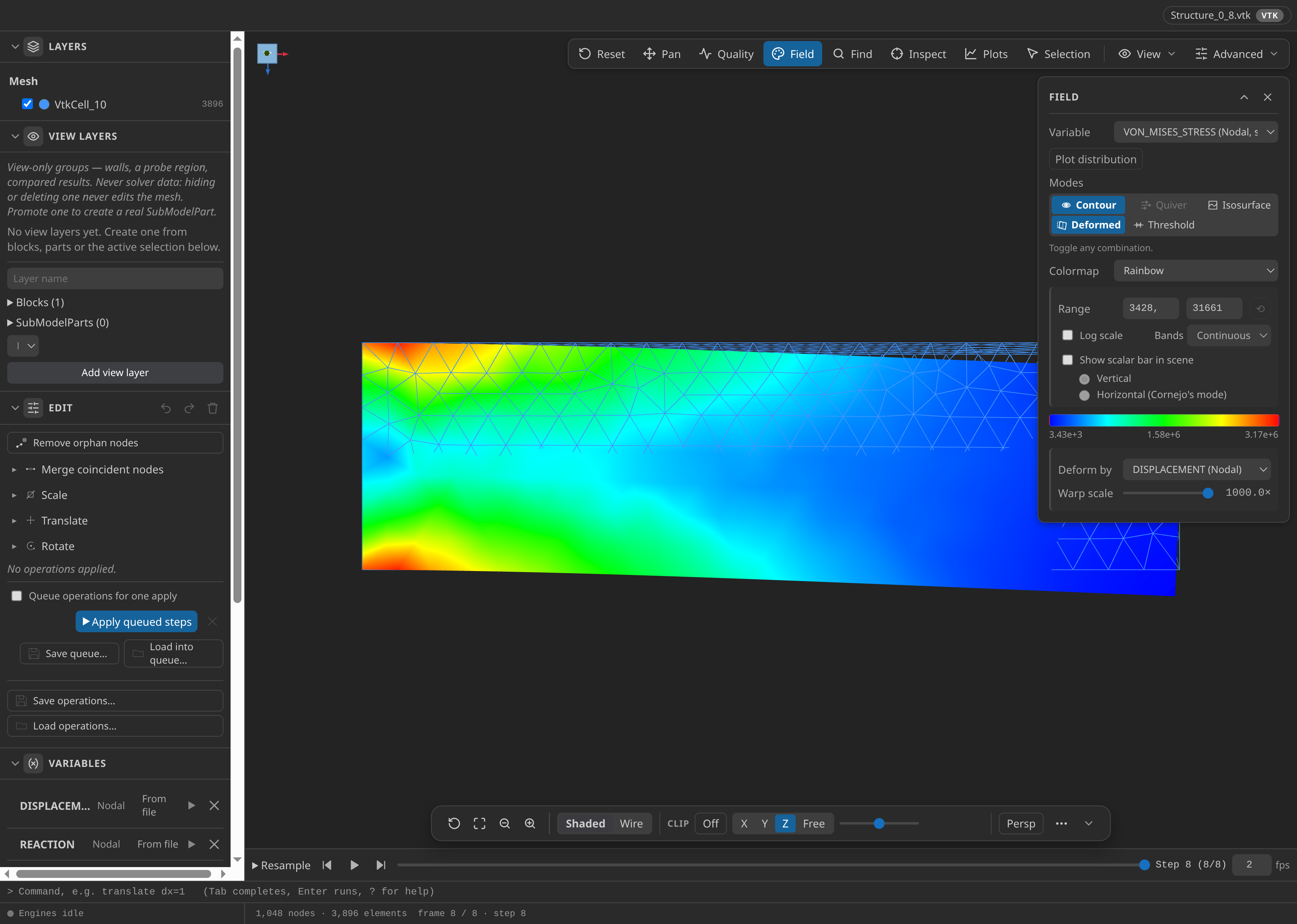
VON_MISES_STRESS on the deformed cantilever. The warp scale is 1000×, and it changes only the picture.
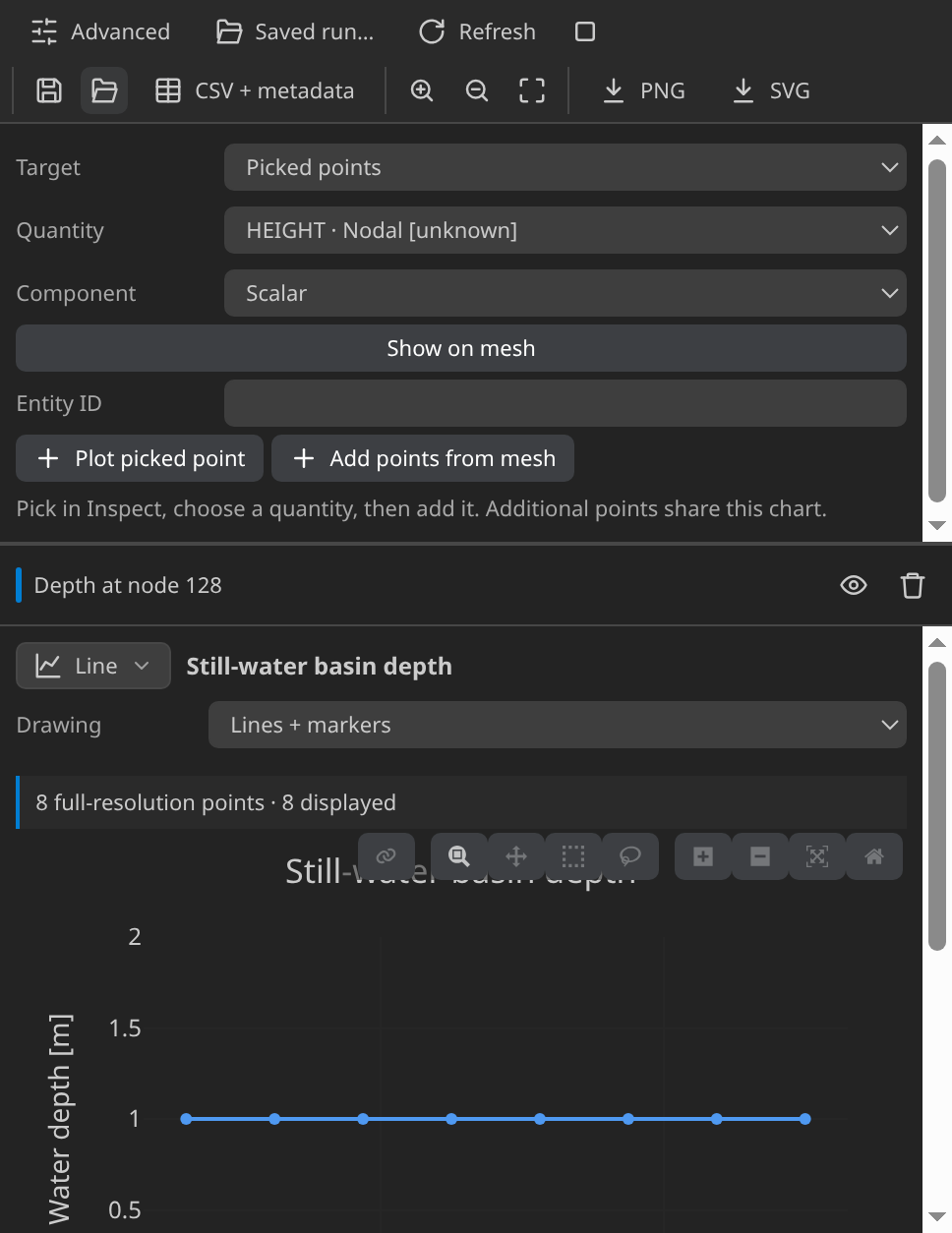
Depth at one node over the saved steps. The line stays flat, as still water should.
Start from CAD mode
Start in Pre-Processing if you need to make the geometry, using the CAD mode guide, and mesh and set up the case in Post-Processing, using the mesh mode guide. For a worked case that starts from an MDPA file, with no geometry, see Worked Kratos Cases. To drive the same steps through the chat assistant, see AI Simulation Walkthrough. Once a result is open, the reading guide explains the Field panel, the timeline, clipping, plots and convergence records.
One workflow for every case
- Create or open the geometry in Pre-Processing, and name the Parts for the bodies and boundaries.
- Generate a first-order Gmsh mesh and export MDPA Elements. Use metres for the planar examples; for the millimetre STEP model, choose the export-unit conversion its tutorial states.
- Open the MDPA in Post-Processing, choose a built-in Problemtype, assign each condition and material to its named SubModelPart, and select VTK output.
- Install Kratos Multiphysics 10.4.3, with the applications the case names, in a Python environment, then point Settings ▸ Kratos ▸ Python Interpreter at it. The Kratos packages come from that environment, because KKSS does not bundle Kratos. Check environment on the Home screen confirms that the required application is available.
- Click Generate case files and check the input it writes (
ProjectParameters.json, orProjectParametersCoSim.jsonfor the coupled CoSimulation case) and its warnings. Then click Run case, which runsMainKratos.pyin the embedded terminal. - Click Open results, choose a field in the Field panel, and check its range and time steps. A successful process exit does not establish numerical correctness: each case has its own check on its page, and the reading guide explains the controls.
Download all eleven solver-verified cases from tutorial-cases.zip, or one case from its page. Downloaded cases are starting points, and rerunning one overwrites its generated outputs. These are tutorial checks with documented tolerances, not formal solver certification.