✏️
Non-destructive Editing
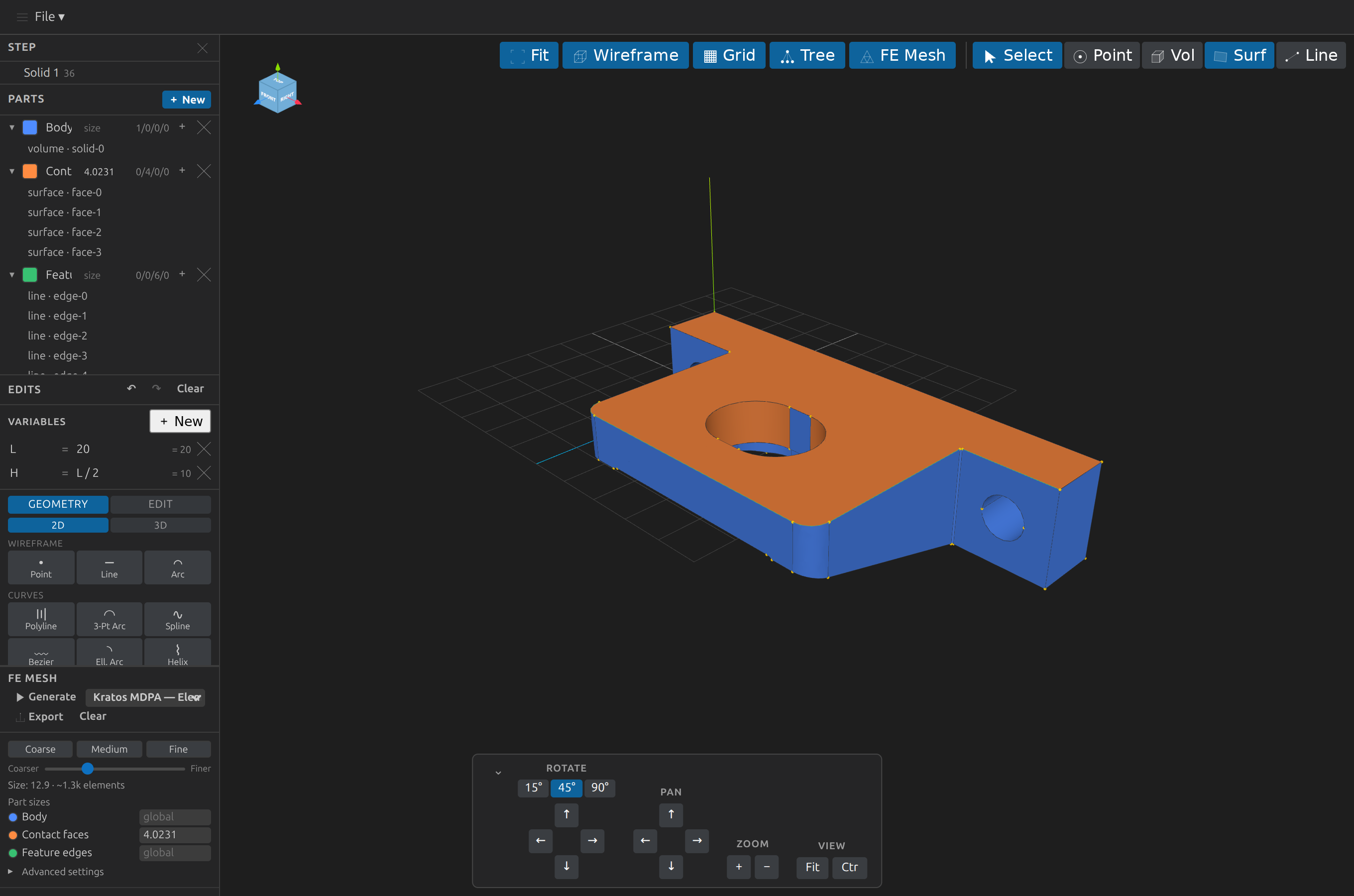
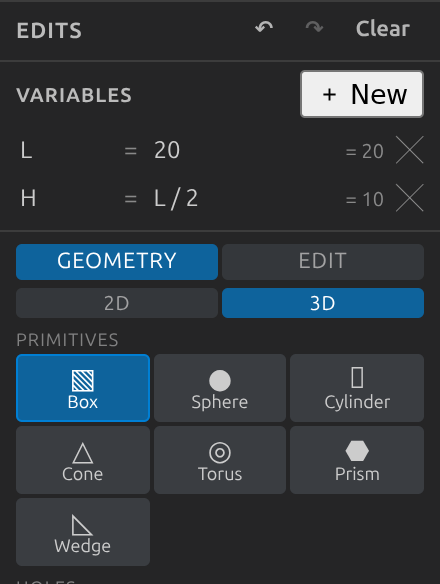
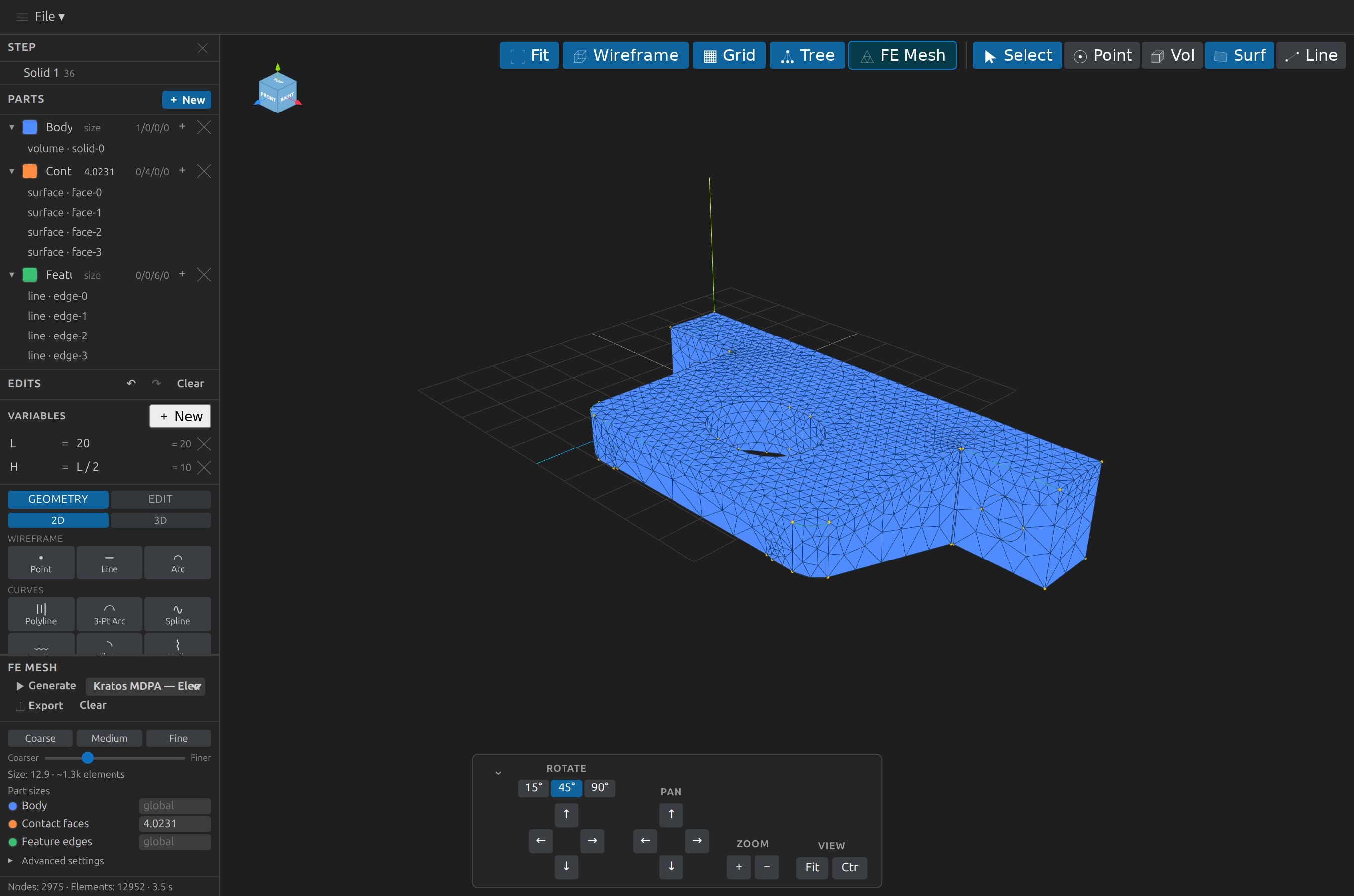
Apply transforms (move / rotate / scale / mirror — with a draggable 3D Transform Gizmo live-previewing the drag, plus optional grid/entity-point snapping), booleans (unite / subtract / intersect), fillet/chamfer, feature modeling (extrude / revolve / sweep / loft), assembly ops (explode / mate / align / linear & circular pattern), primitive creation (box/cube, sphere, cylinder, cone, torus, prism, wedge, holes/counterbore/countersink), 2D profile sketches and curves (circle, rectangle, polygon, ellipse, rounded rectangle, slot, trapezoid, spline, Bézier, helix, …) for use as extrude/revolve/sweep/loft profiles, modify ops (shell, draft, split, section), construction geometry (guide-marked reference-only sketches), edge slots, SVG import (trace a `.svg`'s paths into sketch polylines), and bottom-up wireframe modeling (points, lines, arcs → surfaces from lines → volumes from surfaces). Edits are undoable, replayable, and autosaved to a `.edits.json` sidecar — the CAD file is otherwise untouched, and edits are baked in on Export or a confirmed same-format save in place.