Node Reference — Overview
FlowGraph ships ~85 node types. Each corresponds to a Kratos concept and produces a fragment of the final ProjectParameters.json; connections between nodes express the references between those fragments. Nodes are auto-discovered from public/js/nodes/ — the directory layout mirrors the categories in the right-click Add Node menu.
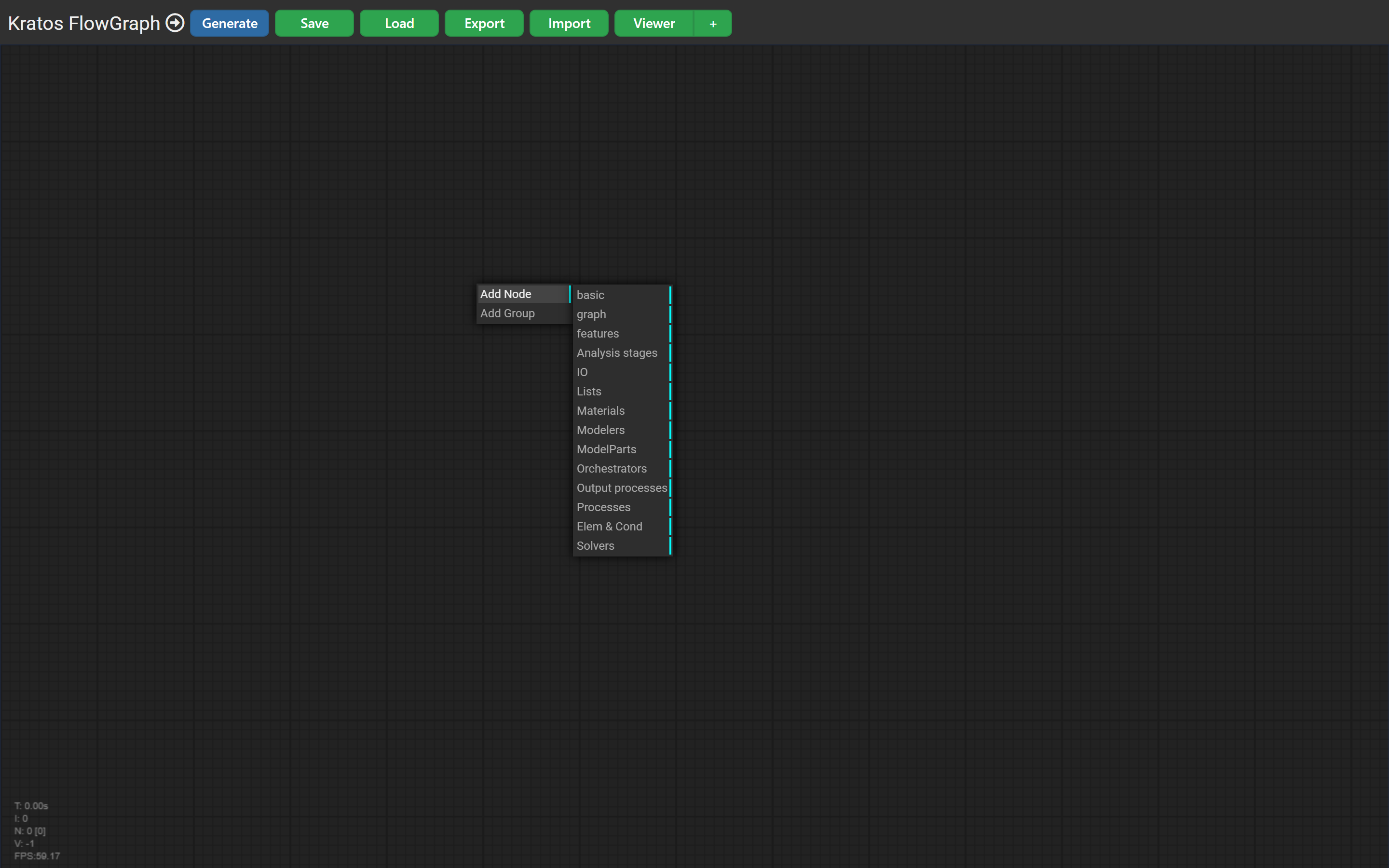
Categories
| Category | Directory | What it contains |
|---|---|---|
| Analysis stages & orchestrators | analysis_stages/, orchestrators/ | Top-level drivers: the sequential orchestrator and per-physics analysis stages. |
| Solvers | solvers/ | Fluid, structural, thermal and potential-flow solvers; serial & MPI linear solvers; time stepping; formulations. |
| Materials & constitutive laws | materials/ | Newtonian fluids and structural-mechanics constitutive laws (elastic, plasticity, damage). |
| Processes | processes/ | Boundary-condition and assignment processes, generic and per-physics. |
| Model parts & modelers | modelparts/, modelers/ | Reading meshes and building/transforming the model. |
| IO, lists & utilities | IO/, lists/, maps/, selectors/, utilities/ | Import/export, container nodes, element/condition selectors, helpers. |
How a node works
Each node is a small ES module that:
- defines inputs and outputs (
addInput/addOutput) — the slots, each with a type that controls which connections are legal; - defines widgets (
addWidget) — the editable properties; - implements
onExecute()— reads its inputs and widget values, assembles a JSON object, and writes it to its outputs.
For example, the base Analysis stage node (analysis_stages/base/analysis_stage.js) takes Problem Data, Solver Settings, Processes and Output Processes as inputs and emits the stages + orchestrator structure of a Kratos case.
Slot types & colours
Slots are typed (e.g. stage_flow, solver_settings, problem_data, material, process_list). A connection is only allowed between compatible slot types, which keeps graphs valid by construction. Some flows are colour-coded — for instance the analysis-stage flow (stage_flow) is drawn in light blue.
Browse the category pages for the concrete nodes in each area.